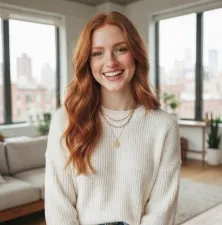
Put a scene into words and see what takes shape. Describe your idea to EzImage, generate an image, and preview it before downloading. A free trial lets you explore the process yourself.
01
AI Image Generator for Scenes Beyond Your Camera
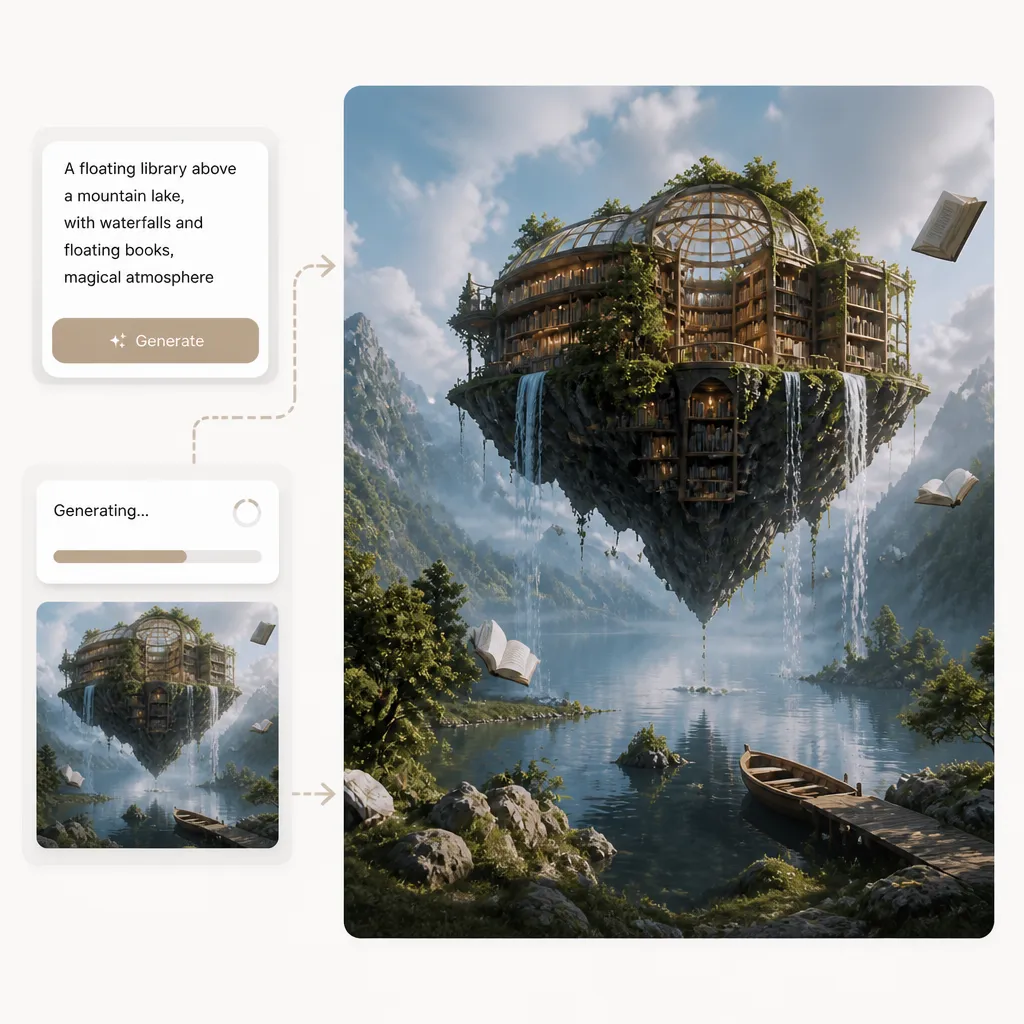
A floating library above a mountain lake is hard to find in a photo collection. An AI image generator lets you begin with the scene itself: describe the subject, its surroundings, and what makes the moment interesting. EzImage interprets those instructions as a new picture, and you can keep refining the result with its AI photo editor to adjust details, lighting, or composition. Use the image to explore an imagined setting for a story, a concept presentation, or a personal project without needing a source photograph.
Describe a subject or scene you have not photographed
Include the details that make your idea recognizable
Preview the interpretation against the picture you had in mind
02
Text to Image AI for a Defined Look
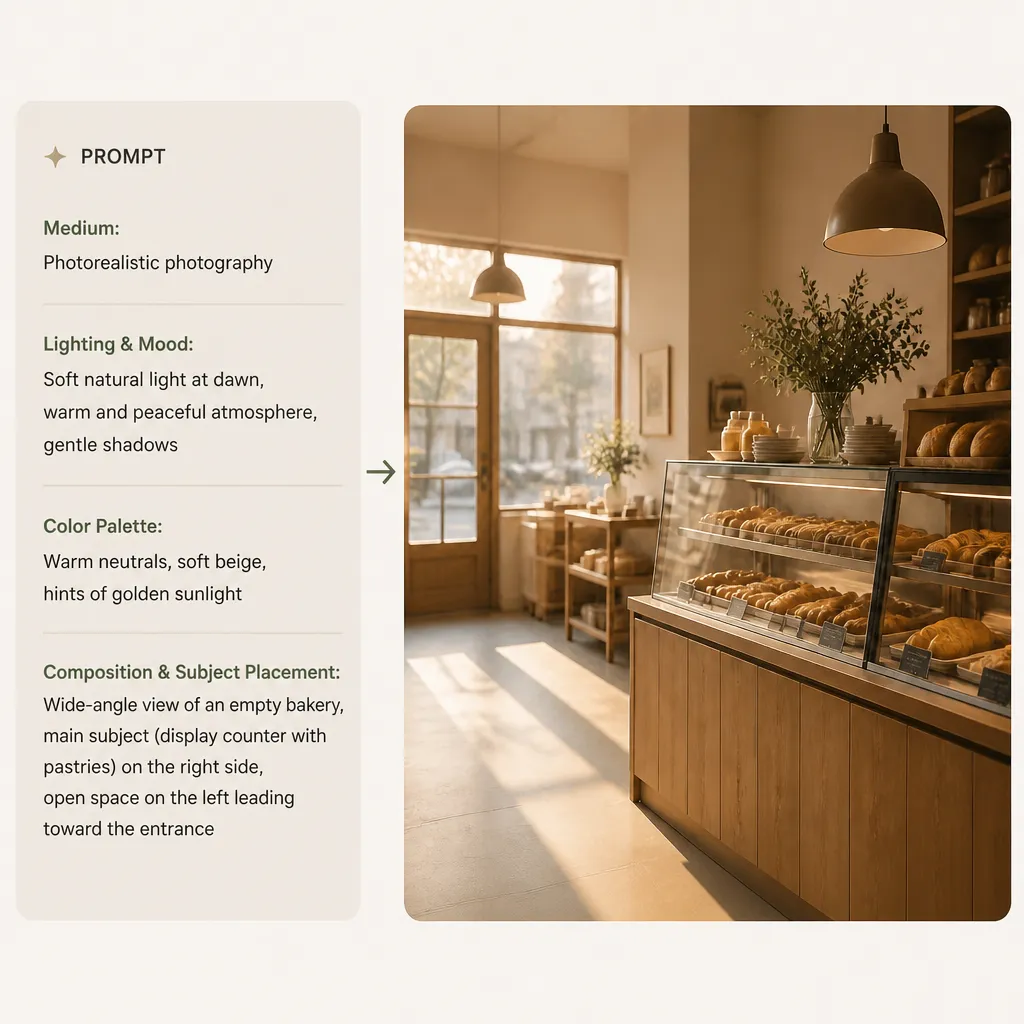
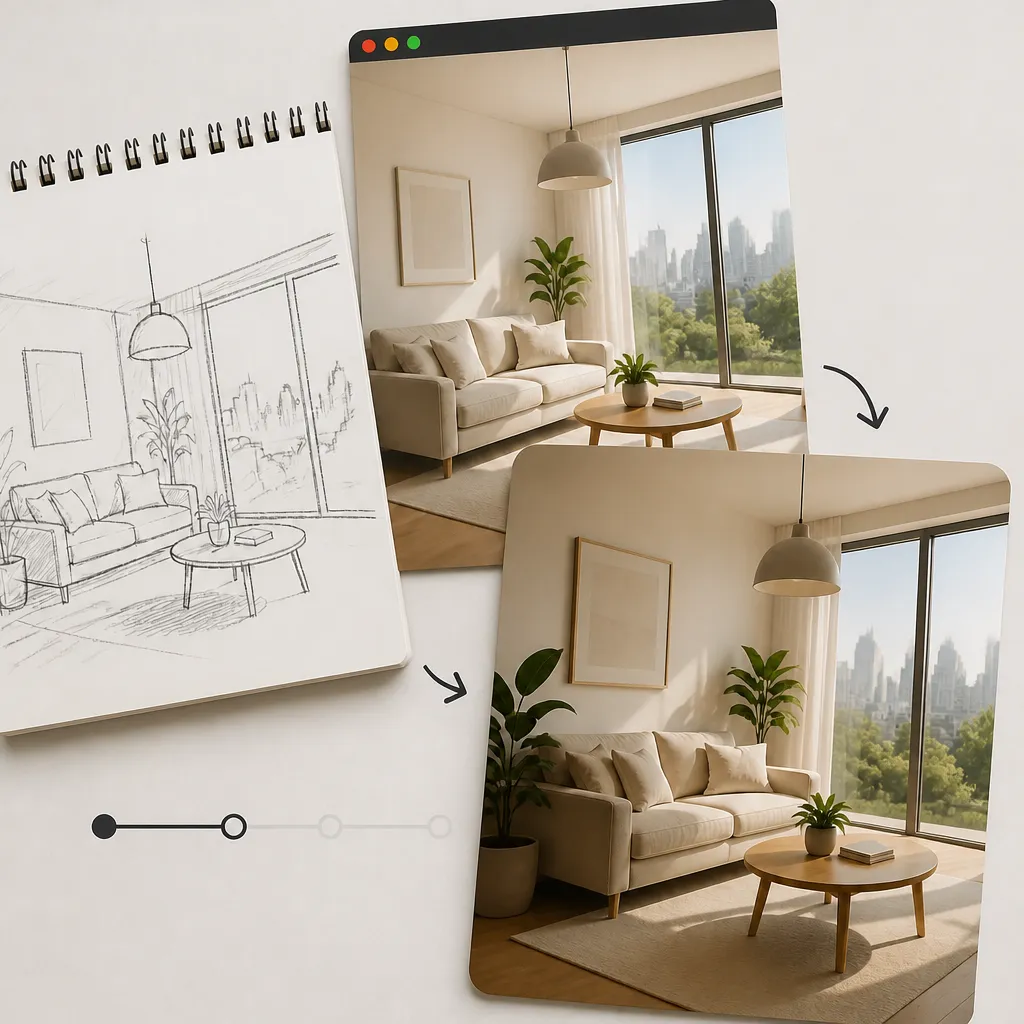
A page about quiet mornings needs a different visual from a poster for a midnight concert. Text to image AI gives you a way to explain that difference through your prompt. Name the medium, lighting, colors, and arrangement that suit the destination. For an article header, you might request a wide view of an empty bakery at dawn, with the main subject placed to one side. If you already have an image to work with, image to image AI lets you refine its lighting, composition, and visual style to better match your intended design. Review how well the generated image supports the page before choosing it.
Name a visual medium such as photography or cut-paper illustration
Connect the lighting and palette to the mood of the project
Describe where the subject should sit within the scene
03
Free AI Image Generator for Your First Draft
A written brief can sound promising and still be difficult to picture. Use the free GPT Image 2.6 AI image generator to bring one focused idea to life before developing a larger project. Describe the scene you need, generate an image, and review the details in the preview. If the result suggests a useful direction, download it to explore in your layout. If it misses the mark, identify the main mismatch and refine your prompt.
Try a specific assignment through the free trial
Check the subject and visual treatment in the preview
Download a result to assess in the context of your project
AI Image Generator Free Online for Creative Projects
You can try this AI image generator free online with a written idea. These six starting points show how a prompt can become an image for a particular purpose.
AI Photo Generator for Scenes You Cannot Shoot
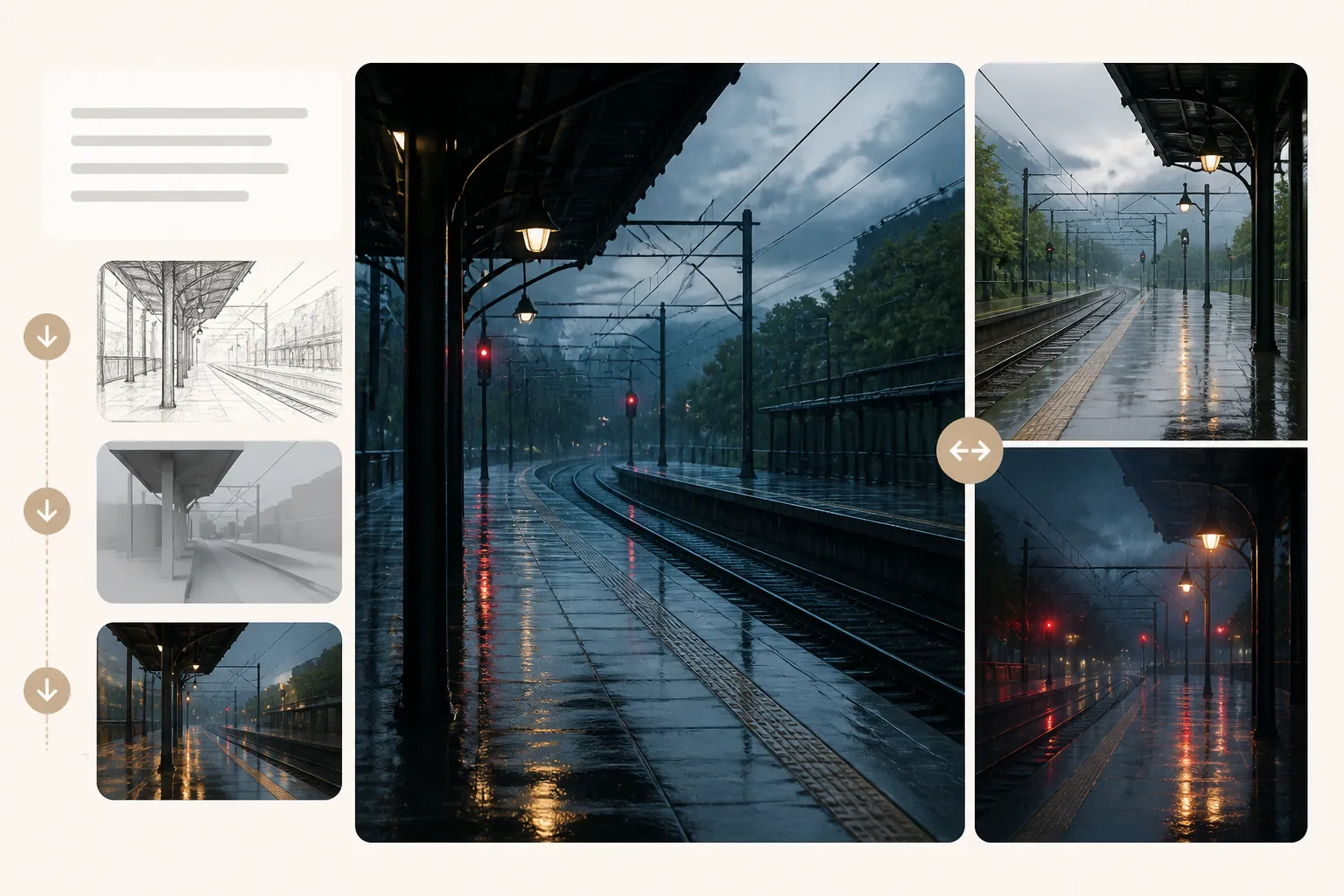
A hobby writer needs a rain-soaked train platform with nobody in sight. Describe the location, weather, and light to explore a photographic scene for a personal story board. The image is generated, rather than a photograph of an actual event.
AI Picture Generator for Lesson Openers
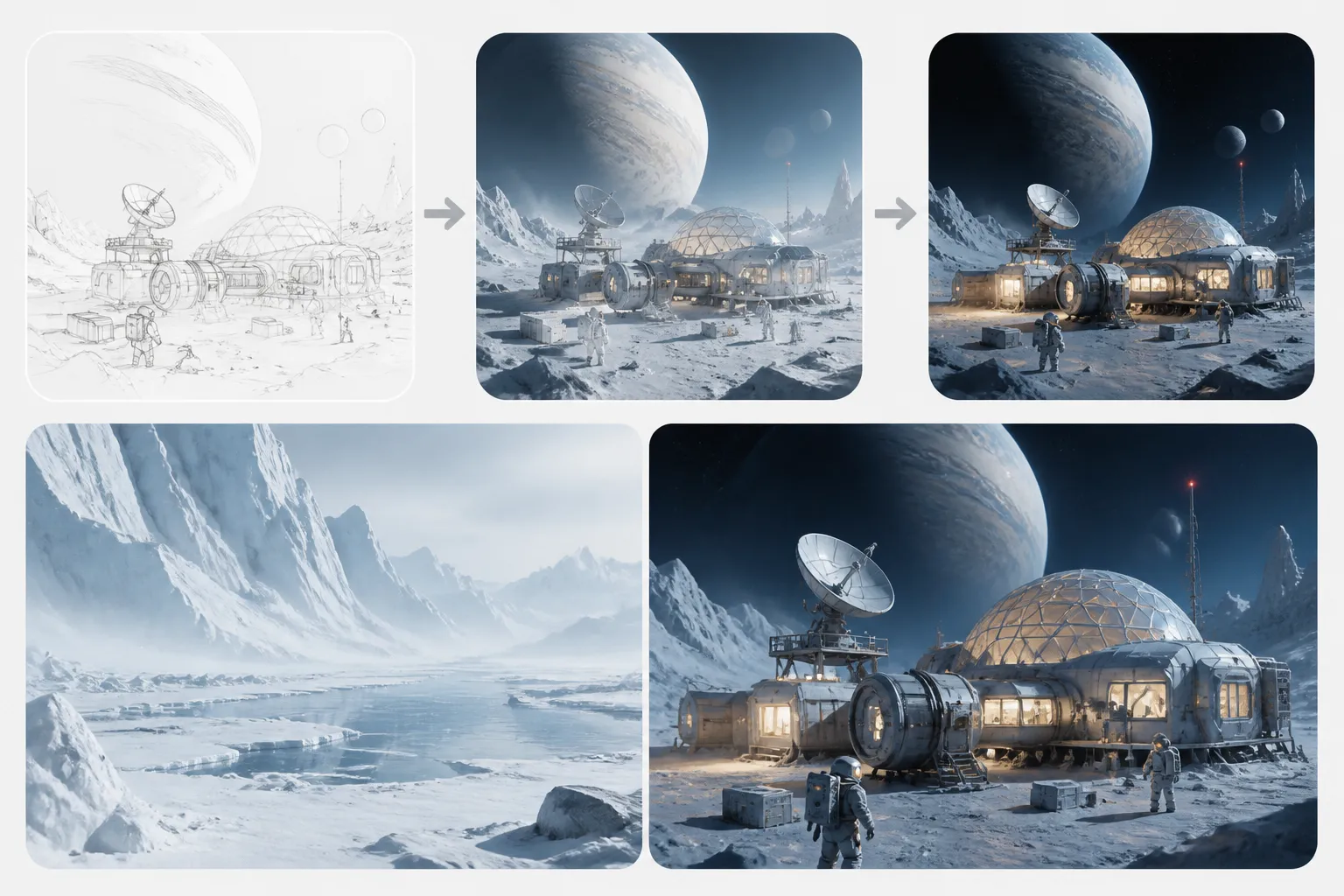
A science tutor wants students to imagine a research station on an icy moon. Use an AI picture generator to create an opening illustration, then check that the details support the lesson before adding teaching labels separately.
AI Image Creator for Podcast Cover Concepts
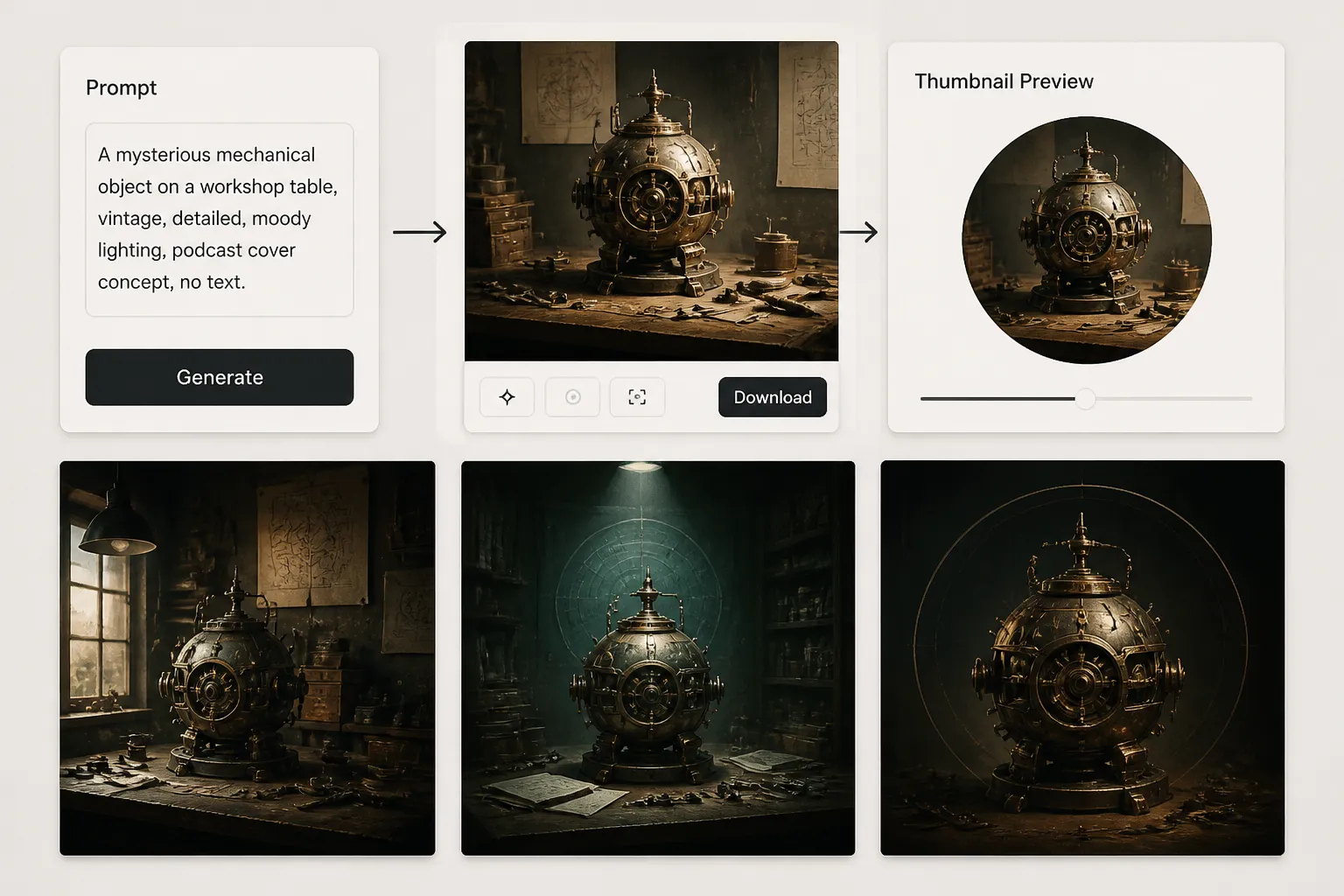
An audio storyteller needs artwork for a series about forgotten inventions. Give the AI image creator a visual idea, such as a mysterious mechanical object on a workshop table. Test the result at thumbnail size before adding the podcast title.
AI Image Maker for Personal Wallpapers
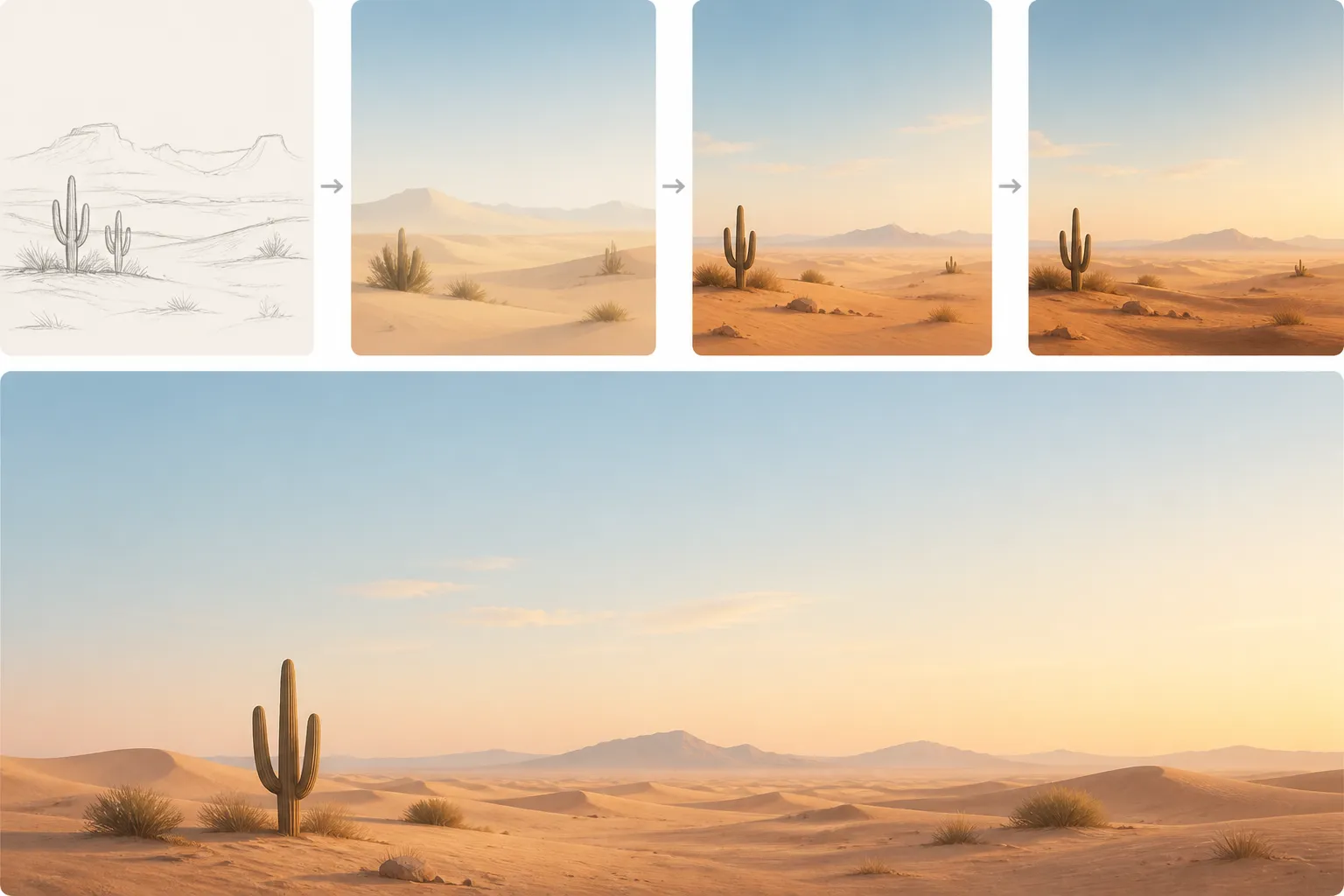
A desktop background should leave room for icons. Ask the AI image maker for a minimalist desert landscape with an open sky, then assess whether the composition stays calm behind your everyday workspace.
AI Generated Images for Newsletter Stories
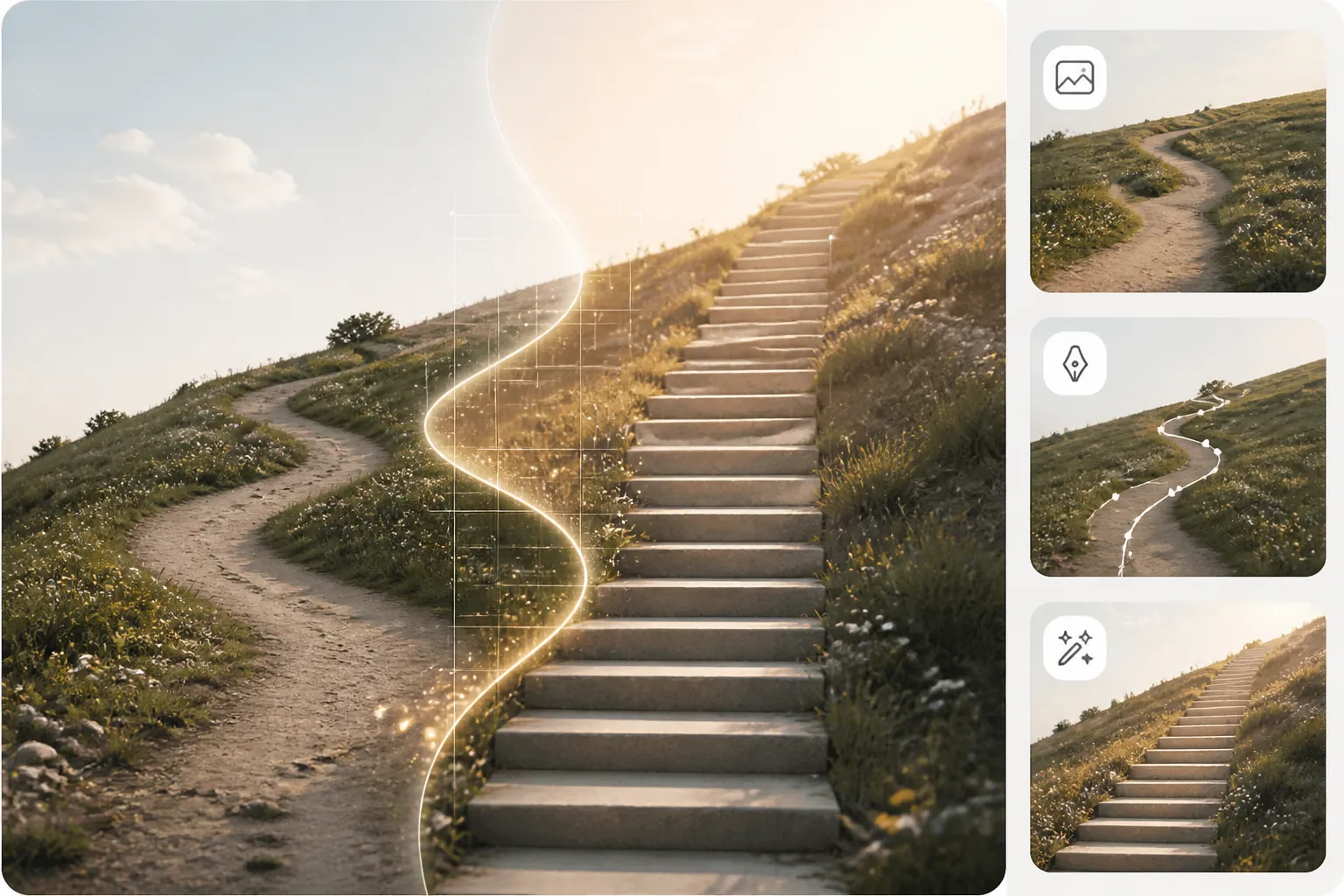
A newsletter editor needs a visual for an essay about changing habits. Describe a concrete metaphor, such as a winding path becoming a staircase. Select AI generated images that help the reader understand the idea alongside the headline.
Free AI Photo Generator for Party Concepts
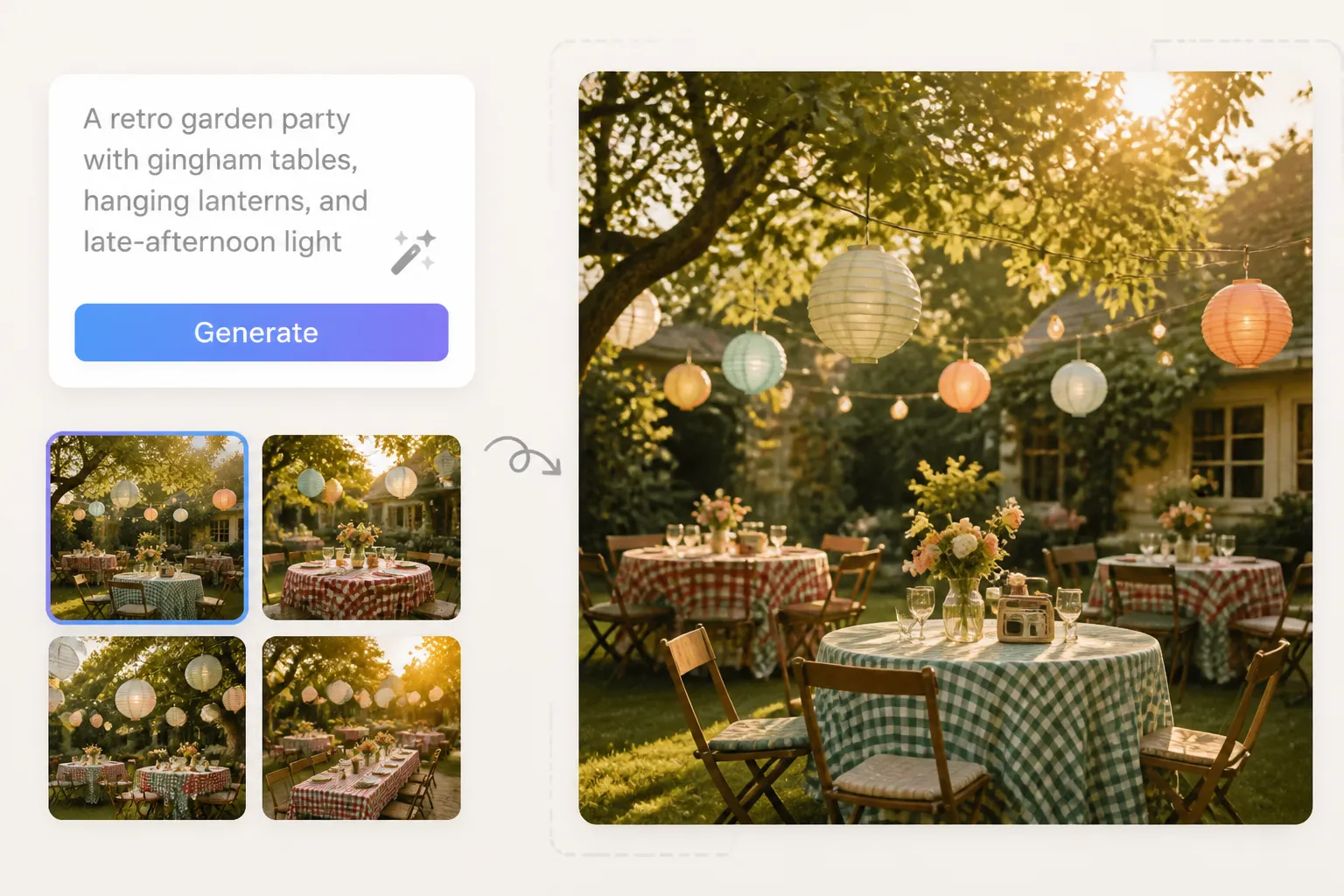
A host is imagining a retro garden party before buying decorations. Try a free AI photo generator with a description of gingham tables, hanging lanterns, and late-afternoon light. Use the result as a mood reference while planning the occasion.
Best AI Image Generator for Your Workflow
The best AI image generator for you depends on what you need to make. A weekly post, a design pitch, and a classroom project each call for a different brief.
AI Image Generator Free Online for Content Creators
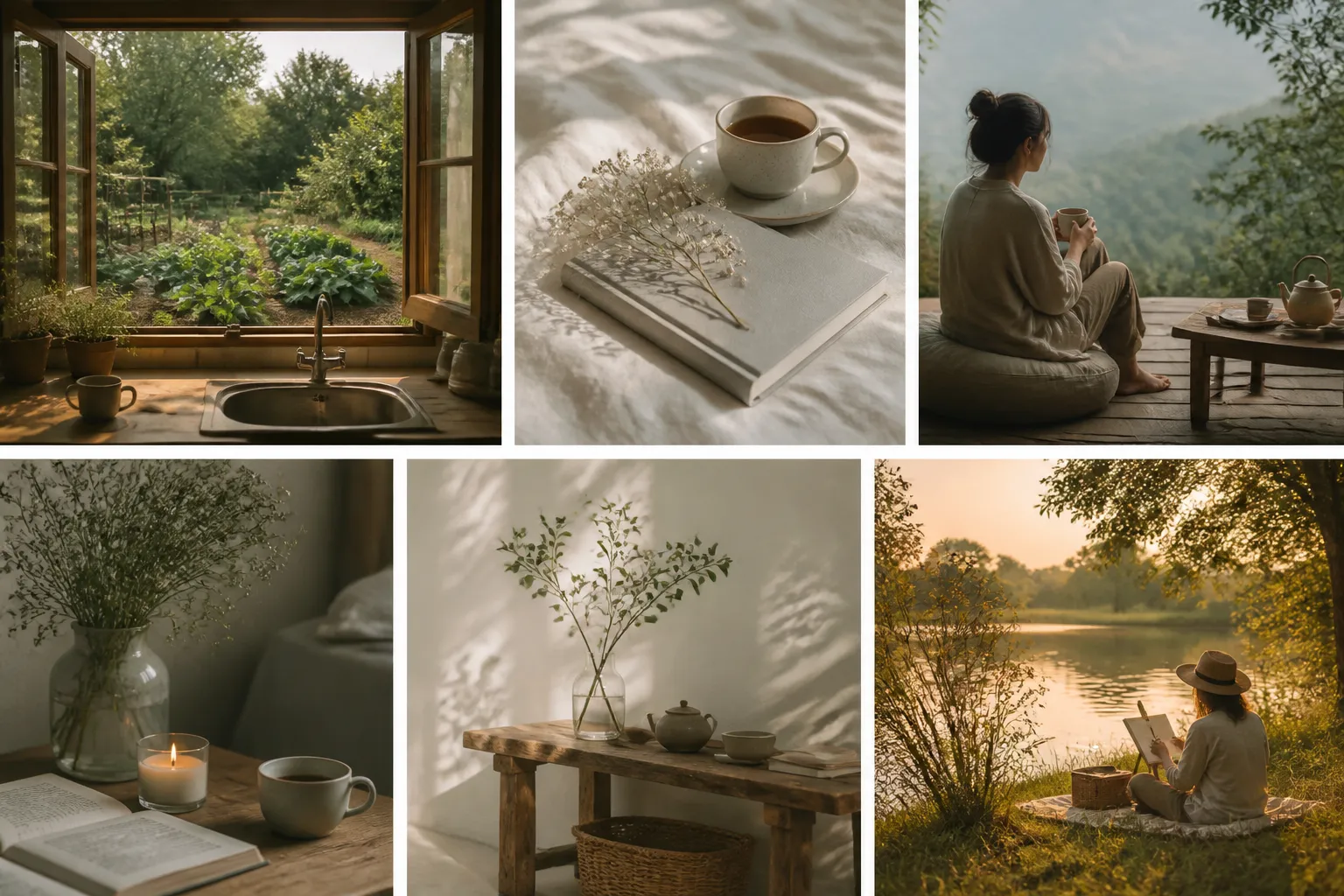
A creator explaining slow living needs more than another generic stock image. Describe a particular moment, such as an open window overlooking a small kitchen garden, and explore an image that supports the post. Checking the preview alongside the draft helps you choose a picture that adds meaning instead of simply filling space.
Start with the subject of the post and the feeling it should convey
Turn an abstract topic into a scene viewers can understand
Download a chosen result for the next layout step
AI Picture Generator Free to Try for Small Teams
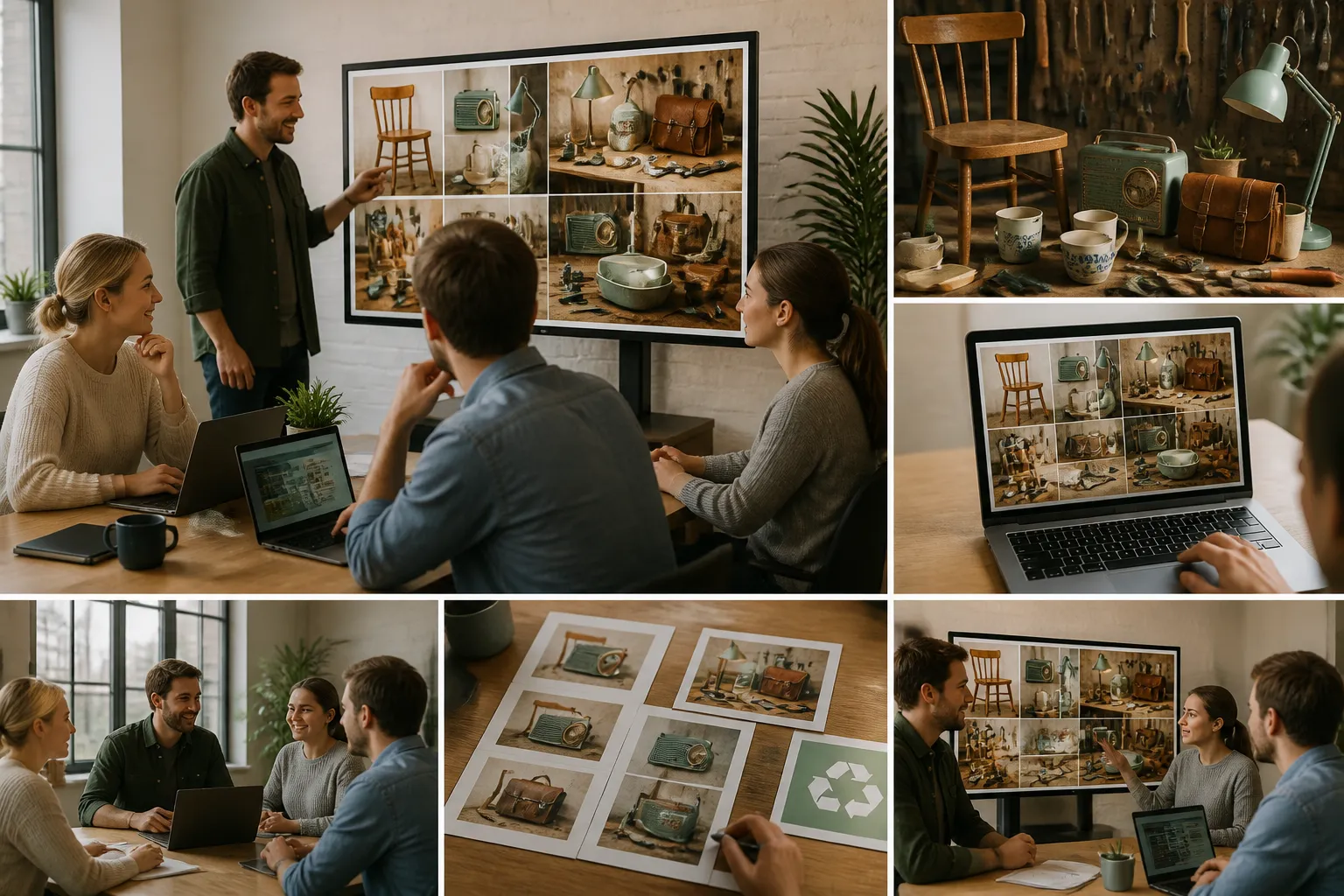
A neighborhood repair group is preparing a slide about extending the life of everyday objects. Use the free trial to explore an illustrated workbench filled with repaired household items. Review whether the image communicates repair and reuse before adding it to the presentation; final wording can be added in your slide editor.
Write a scene around the message your team needs to explain
Inspect the objects and their relationships before choosing a result
Bring a downloaded example into the presentation discussion
Best AI Image Generator for Testing a Brief
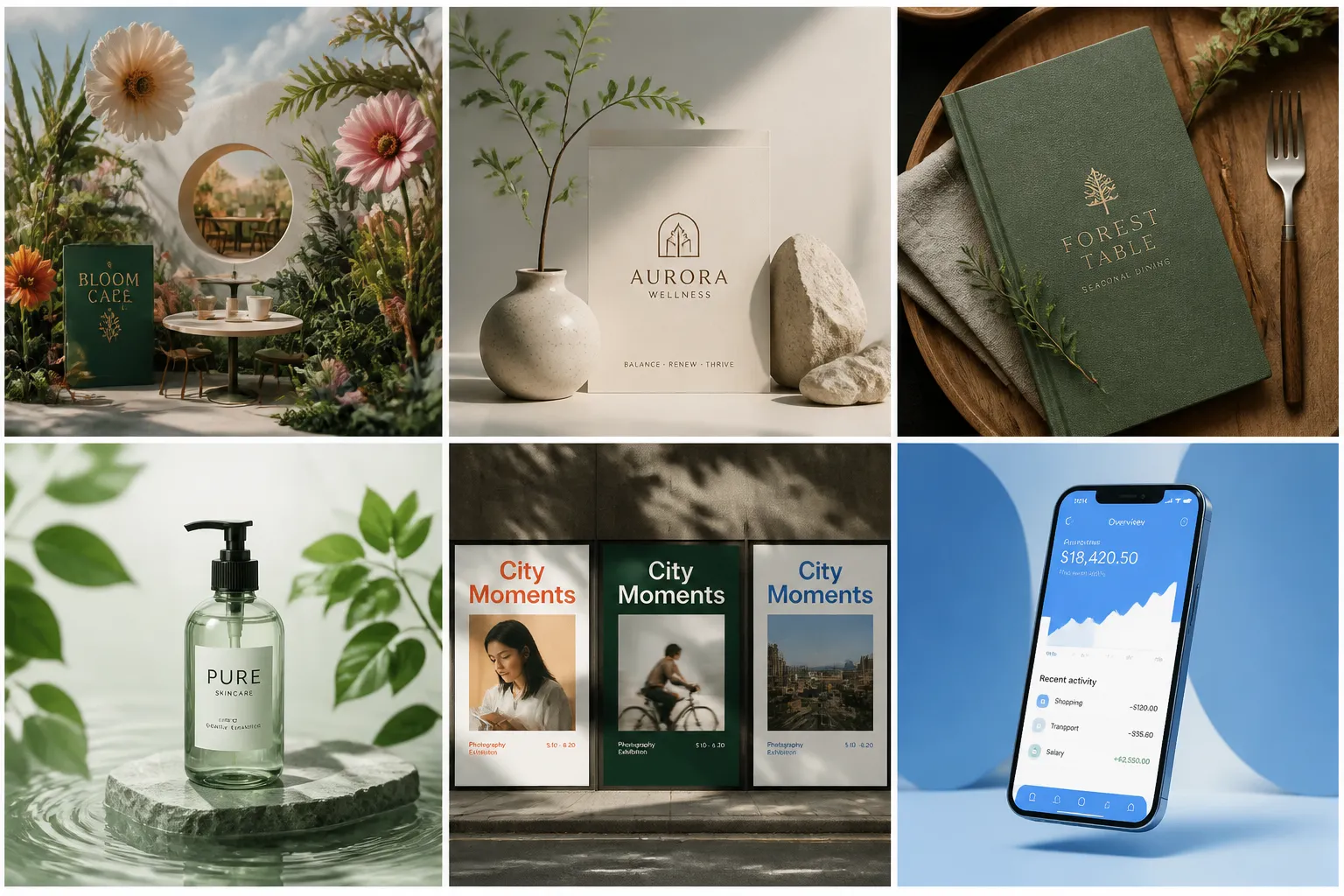
For a designer, the best AI image generator is one that helps answer the current visual question. A café identity pitch might call for a surreal botanical scene, while a different proposal needs a restrained photographic mood. Write a separate prompt for each direction and compare the results with the brief before developing the final design.
Translate a proposal into a scene with specific visual choices
Review each direction against the intended audience and message
Use downloaded examples to explain what should be developed
Best Free AI Image Generator for Student Projects
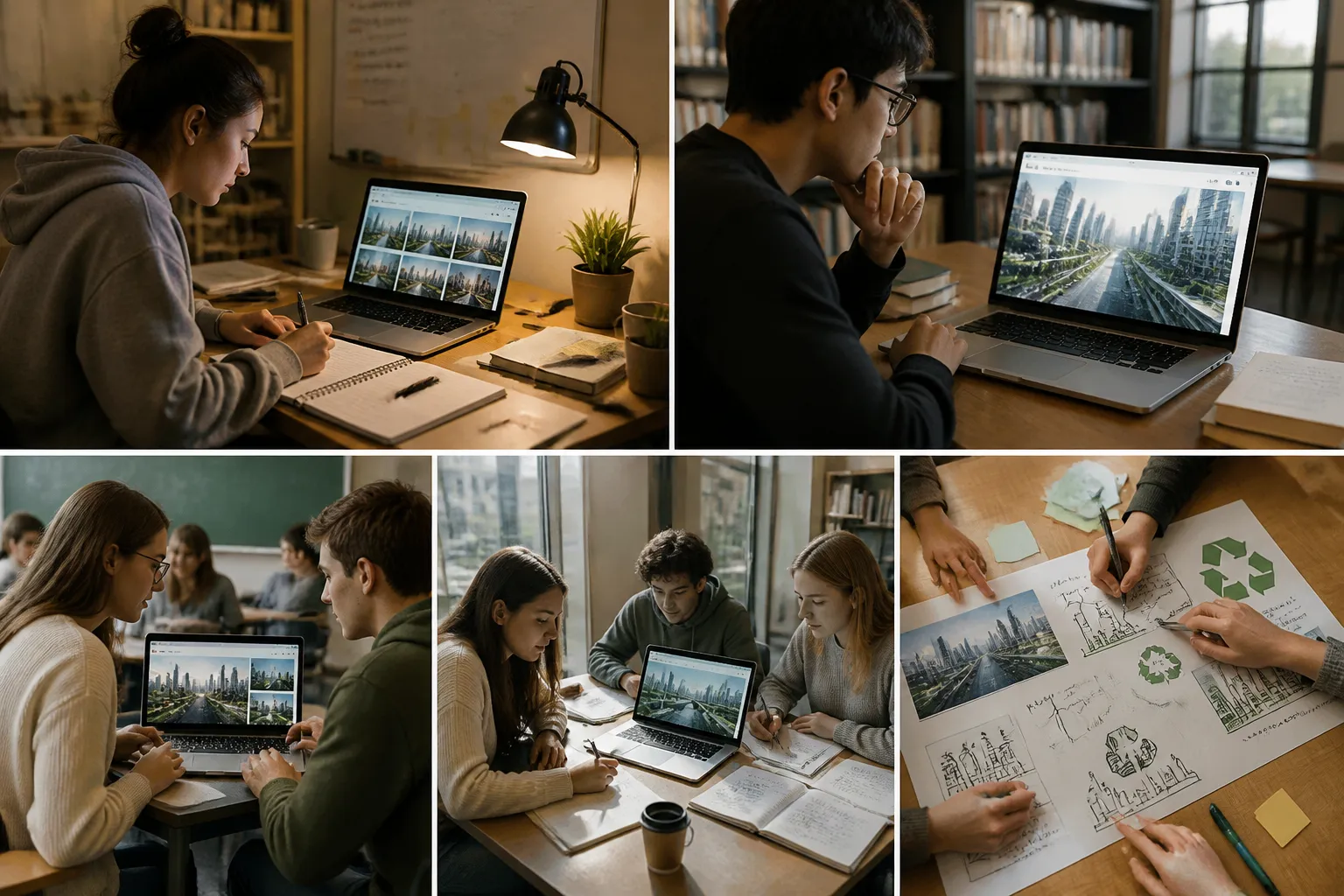
When comparing options for a class assignment, look for the best free AI image generator for the task you actually need to complete. EzImage's free trial lets you test a prompt, inspect the image, and download your selected result. For a poster about future cities, describe a scene that supports your argument and follow your course's rules for disclosing AI use.
Define the idea your assignment needs to communicate
Check whether the generated scene supports that idea
Save the chosen image for your poster or project notes
How to Use the AI Image Generator
Your prompt sets the direction. Generate an image from those instructions, review the interpretation, and download the result you want to keep.
1
Describe Your Idea to the AI Image Generator
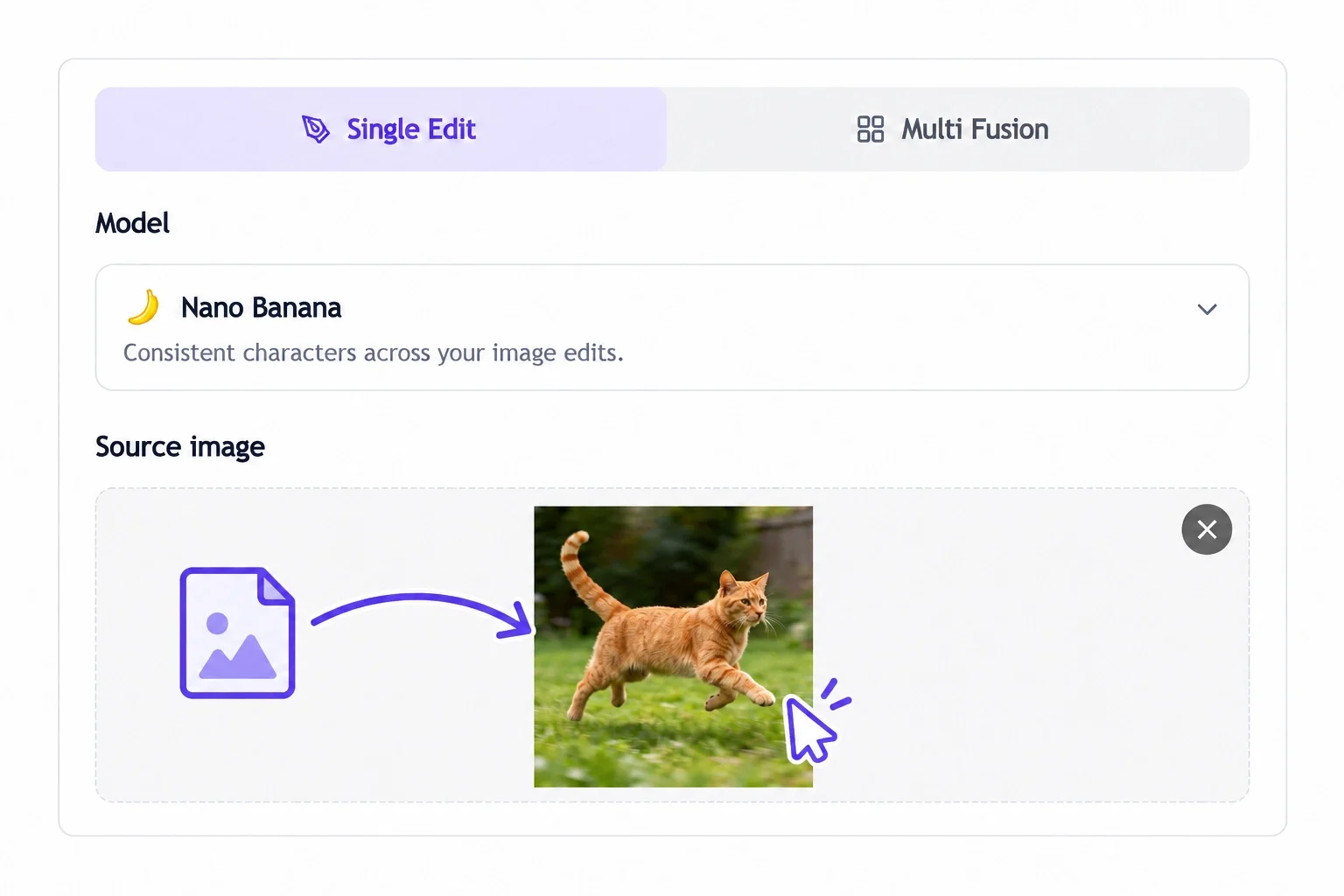
Enter a prompt with a clear subject, setting, and visual treatment. For example, describe a tiny greenhouse on a city rooftop in a soft editorial illustration style. EzImage uses your words as the input for generation.
2
Try Your Prompt in the Free AI Image Generator
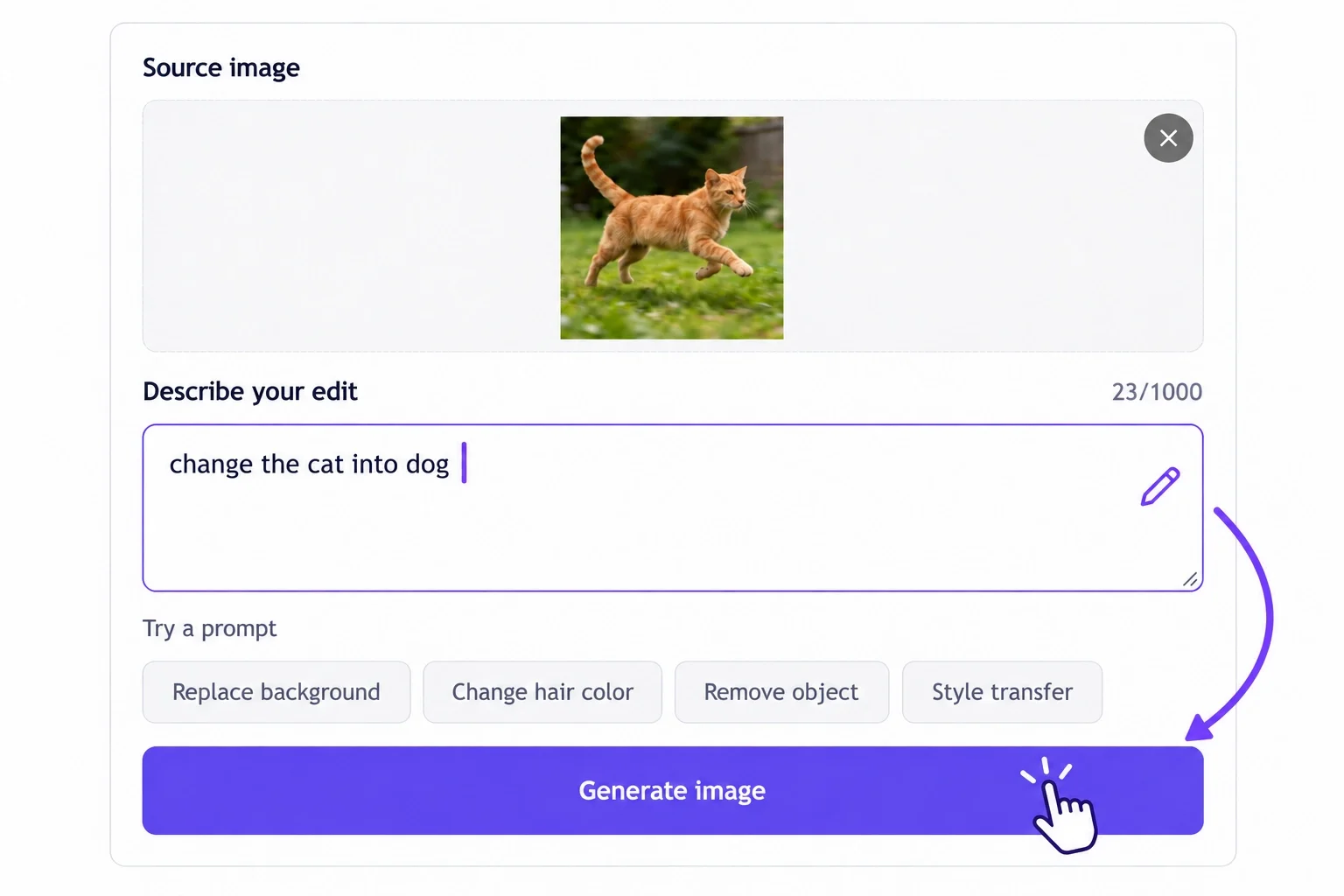
Run generation through the free trial and preview the result. Check how the tool interpreted your subject and scene. If you try another prompt, focus your revision on the detail that matters most.
3
Preview and Download Your AI Generated Images
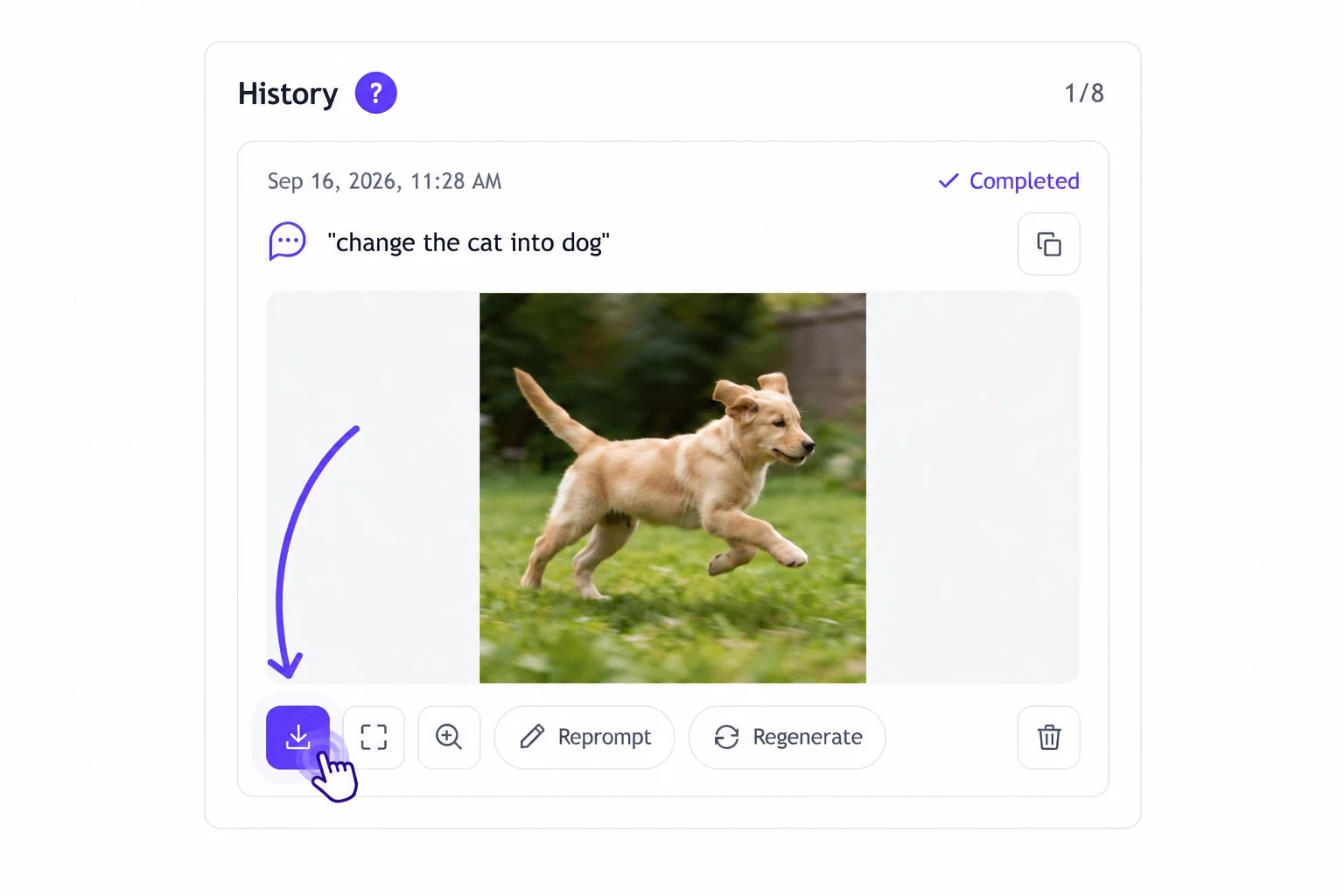
Choose a result after reviewing its composition and details. Download the image to your device, then bring it into your project or usual editing tool for any further layout work.
AI Image Generator User Experiences
Read how users turn their ideas into images for everyday projects with EzImage.
★★★★★ Hannah Collins — Book Club Organizer
I had a clear idea for my book club’s reading announcement but couldn’t find a suitable picture. The AI image generator turned my description of a candlelit reading nook into artwork I could build the announcement around.
★★★★★ Leo Mitchell — University Student
I tried the free AI image generator while planning a presentation about ocean exploration. A prompt describing an underwater research base gave me a useful opening visual and helped set the tone for the talk.
★★★★★ Victoria Lane — Theater Director
Text to image AI helped me explain an unusual set idea to our theater group. Describing a clock shop suspended among clouds gave everyone a visual reference before we started discussing how to build it.
★★★★★ Nathan Reed — Food Photographer
I used the AI photo generator to explore a breakfast scene with warm light and a linen tablecloth. The result helped me decide which props and colors to prepare for an actual food shoot.
★★★★★ Elena Morris — Newsletter Editor
My newsletter needed an illustration for an essay about information overload. I gave the AI image creator a scene with a tiny desk surrounded by towering paper stacks, and the result made the idea easier to explain.
★★★★★ Owen Fletcher — Tabletop Game Host
The AI picture generator gave me a way to visualize places from our tabletop campaign. Describing a market inside a giant hollow tree produced a scene I could show the players before their characters arrived.
★★★★★ Priya Shah — Magazine Contributor
I compared the AI generated images with my article headline before choosing one. A small boat surrounded by oversized leaves captured the sense of uncertainty I wanted without giving away the whole story.
★★★★★ Gabriel Ross — Community Volunteer
I used the AI image maker to explore a playful illustration for a community gardening flyer. The prompt focused on colorful planters along a neighborhood staircase, and I added the event details after downloading the result.
★★★★★ Lucy Bennett — Small Business Owner
The free AI photo generator let me test a mood for my handmade candle collection. A scene with amber glass and evening light helped me work out the atmosphere before choosing a location for the product shoot.
★★★★★ Adam Hughes — Marketing Coordinator
Our team kept interpreting the same campaign brief differently. Generating a visual from a specific scene description gave us something concrete to discuss, and we finally agreed on which direction to develop.
★★★★★ Freya Parker — Software Developer
I wanted a background for my desktop that felt personal without being distracting. Describing a quiet coastal observatory gave me a picture with the mood I wanted, and I checked the downloaded version behind my icons.
★★★★★ Sophie Walsh — Parent
My daughter’s space-themed party needed artwork for the invitation. I described a cheerful rocket approaching a candy-colored planet, then used my favorite result as the starting point for the card layout.
★★★★★ Isaac Brooks — Writing Instructor
I was preparing a workshop on creative writing and needed an unexpected scene for an opening exercise. A lighthouse in the middle of a desert gave the group plenty of details to question and build stories around.
★★★★★ Amelia Hart — Animation Student
A short description of a miniature paper city helped me explore artwork for a personal animation project. Seeing the scene made it easier to decide which buildings and colors I wanted to develop in my own drawings.
★★★★★ Daniel Foster — Career Coach
I needed a visual metaphor for a talk about career changes. The image of a bridge connecting two very different landscapes gave me a clear starting point, and I downloaded it to test beside my opening slide.
????
Free AI Image Generator Questions Answered
What Is an AI Image Generator?
An AI image generator creates a new picture from a written prompt. Describe what you want to see, and EzImage uses those instructions to generate an image you can preview and download.
Is EzImage a Free AI Image Generator?
Yes, EzImage is free to use for AI image generation. Enter your prompt, create images, and explore different visual styles to bring your ideas to life.
How Do I Choose the Best AI Image Generator?
Try a prompt that reflects a real project and assess the result for subject accuracy, composition, and the visual treatment you need. The best AI image generator for you should also fit your budget and the steps you take after downloading.
What Should I Write in My Prompt?
Start with the main subject and what it is doing, then describe the setting and intended look. Specific instructions such as “a red canoe beside a misty lake in a flat illustration style” give a clearer direction than broad requests such as “make something beautiful.”
Can an AI Photo Generator Create Realistic Scenes?
You can ask for a photographic look by describing light, viewpoint, materials, and surroundings. An AI photo generator creates a synthetic image, so inspect faces, hands, and object details before deciding whether the result suits your project.
Can I Use EzImage-Generated Images for Commercial Purposes?
Yes, you can use images generated with EzImage for commercial purposes, as long as your content respects copyright and intellectual property rights and does not contain prohibited material, such as violence or sexually explicit content. Ensure you have the necessary rights to any source images you upload.
What Can I Try with a Free AI Photo Generator?
You can explore photographic concepts such as a still life, an imagined outdoor scene, or a mood reference for a planned shoot. Use EzImage's free trial to test a prompt for the project you have in mind, then preview and download a result to assess further.
How Does an AI Picture Generator Differ from Image Search?
Image search finds existing pictures. An AI picture generator produces a new image from your description, which can help when you need a specific imagined scene or want to explore a visual idea in your own words.
Can I Use an AI Picture Generator Free Before Paying?
Yes. You can try EzImage's AI picture generator free through its trial. Use a prompt relevant to your project to evaluate the workflow, and check the current trial terms before deciding whether to continue.
Can I Edit AI Generated Images After Downloading?
Yes. Download your chosen result and open it in an editing tool to crop the composition, add typography, or build a layout. Review AI generated images for unwanted details before preparing the final version.
What Should I Change If the Result Misses My Idea?
Identify the main mismatch first: the subject, setting, composition, or visual style. Rewrite that part of the prompt with a concrete instruction. Keeping each attempt focused makes it easier to judge whether a revision improves the result.
Can I Use the Results for Commercial Projects?
Review EzImage's current terms for the usage rights that apply to generated images. Before publishing, check the result for recognizable brands, people, or other details that may need separate permission for your intended use.
 EzImage