Your favorite shot could become a book-cover concept, a painted keepsake, or something you have not pictured yet. Bring it to EzImage, add your instructions, and try a new interpretation for free.
01
Image to Image Generator for Unused Photos
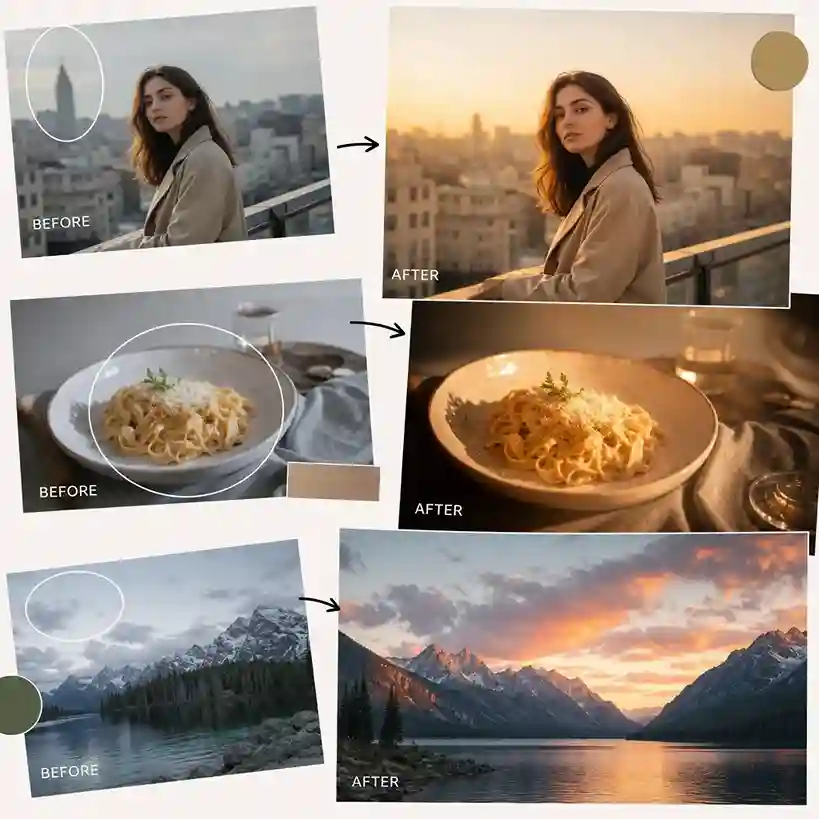
That photo you saved months ago may still have something to offer: an interesting silhouette, an unusual viewpoint, or a subject you want to work with again. Use an AI photo editor to refine the image, then feed it into an image to image generator with a description of the result you need. The reference gives your instructions visual context, making an overlooked file the raw material for a different project.
Pick a source for the subject or composition that interests you
Explain what you want the generated picture to become
Assess which parts of the interpretation are worth developing
02
Image from Image References for New Stories
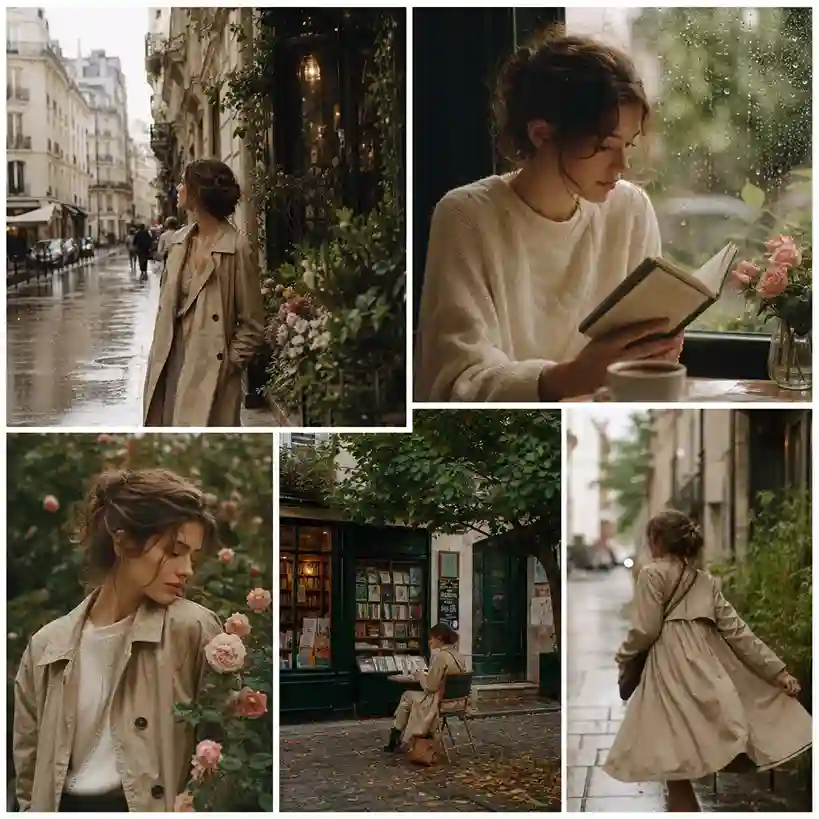
A daytime street could suggest a scene after rain. A garden photograph could inspire an imaginary world. Create an image from image references when you want to test how a different setting changes the story a picture tells. Describe the place, time, and atmosphere together so the generator has a connected idea to work toward, rather than a list of unrelated effects.
Name the location and time you want the scene to suggest
Explain how the surroundings should relate to the subject
Judge whether the new scene communicates the intended story
03
AI Image Generator from Image for Visual Briefs
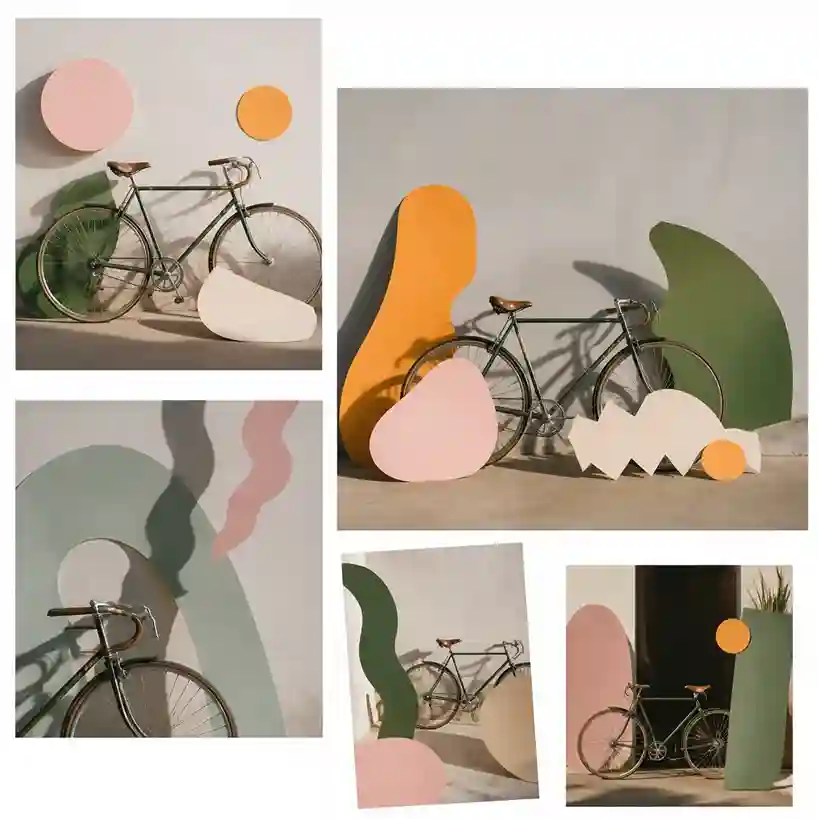
You may know that a poster should feel playful without knowing what that looks like. Combine a reference photo with a more tangible instruction, such as oversized paper shapes around a bicycle. An AI image generator from image produces an example you can react to. Download the result and use it to explain what should be developed, simplified, or replaced in the final artwork.
Replace broad adjectives with subjects, materials, and scene details
Generate an example that makes your written idea easier to assess
Save the result as a reference for the work that follows
Image to Image AI for Six Creative Projects
An interesting photo does not have to end at the camera roll. Give it a specific assignment and see whether generation helps it get there.
Picture a Setting for a Short Story
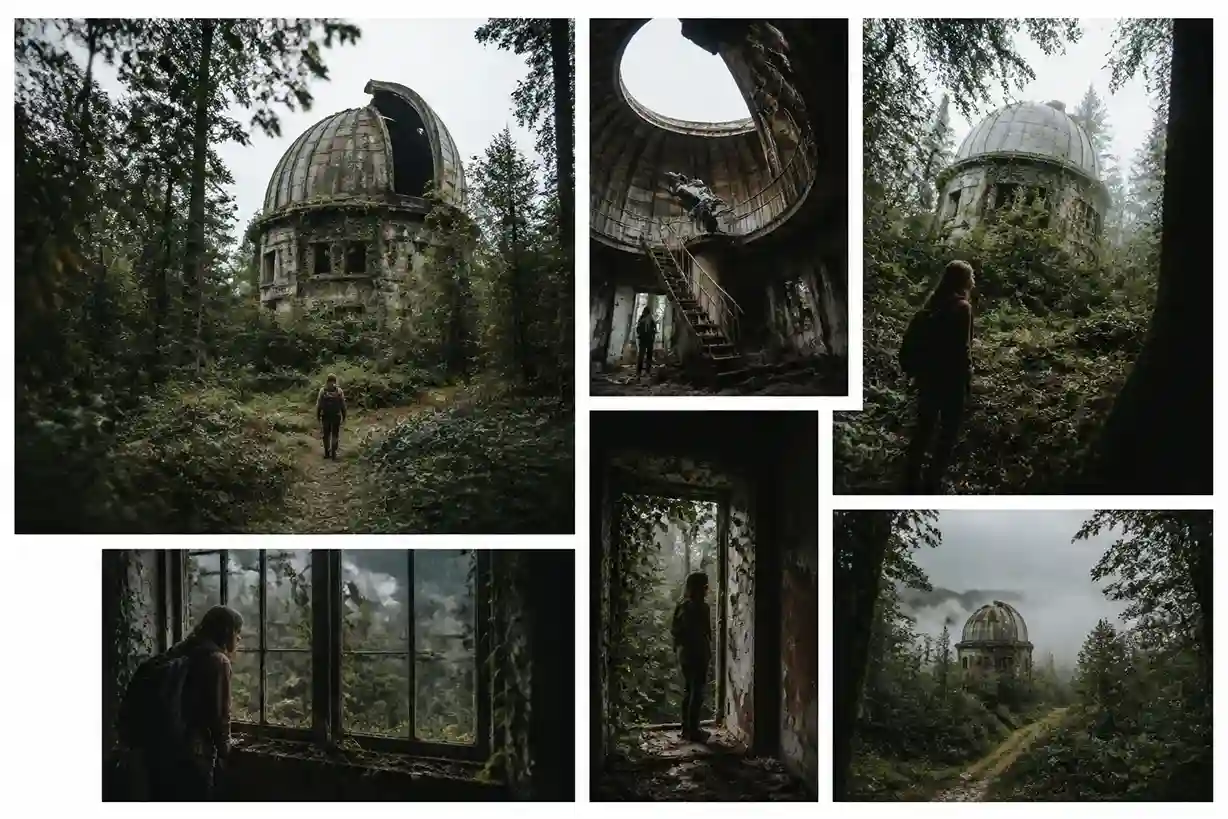
A writer can use a woodland photograph to request a clearing with an abandoned observatory. The generated scene becomes a reference for describing the place and developing the story's atmosphere.
Find a Direction for a Book Jacket
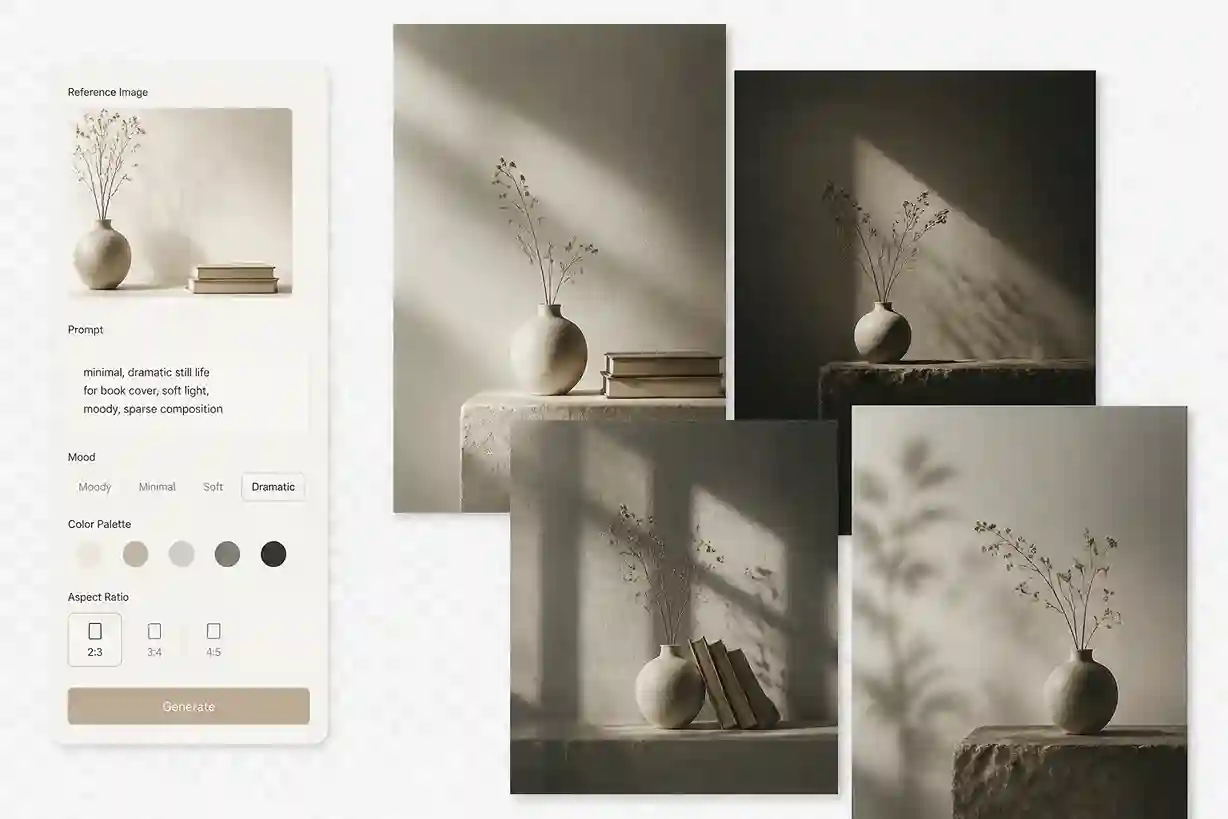
A self-published author can work from a still-life photo and ask for a sparse, dramatic treatment. Test how the image supports the genre before a designer adds the title and final typography.
Make a Personal Illustration from a Pet Photo
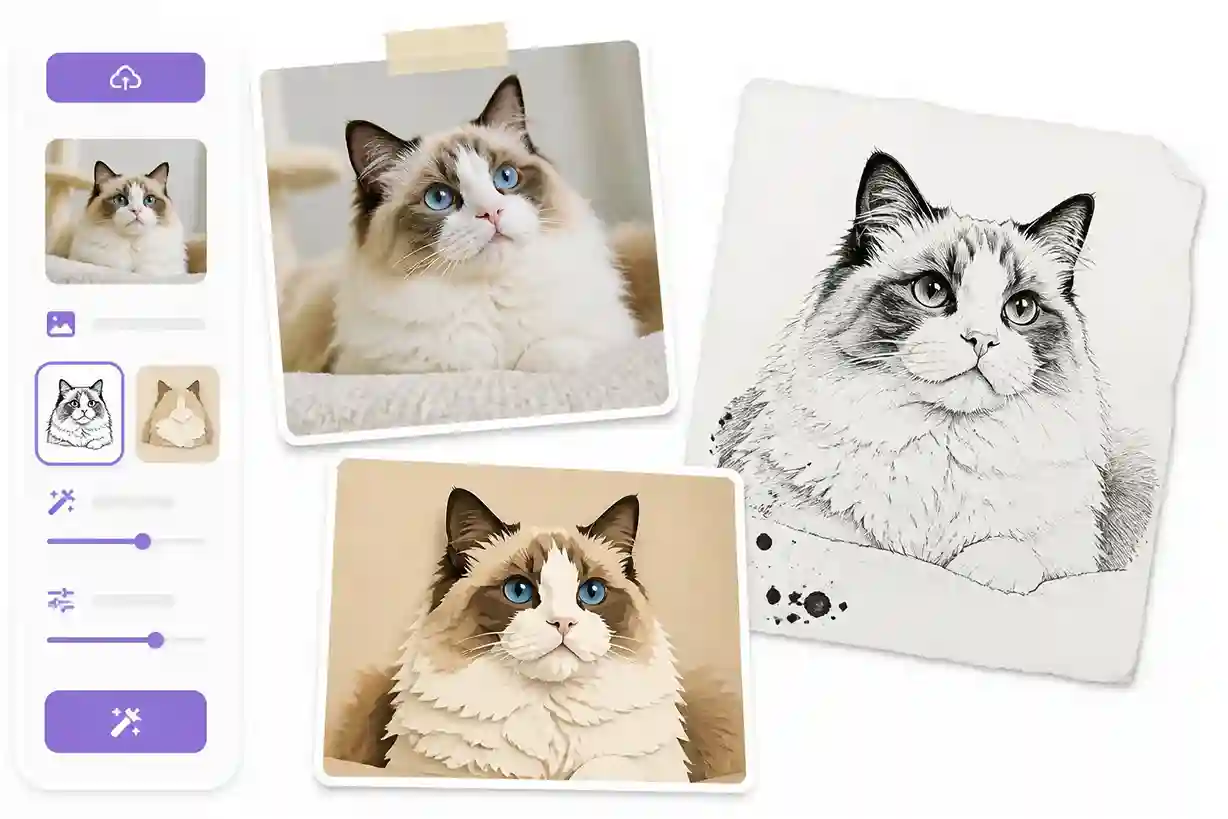
A pet owner can request an ink drawing or a playful paper-cut treatment from a favorite snapshot. Compare the animal's markings before selecting an image for a personal card or gift.
Give a Slide a More Relevant Visual
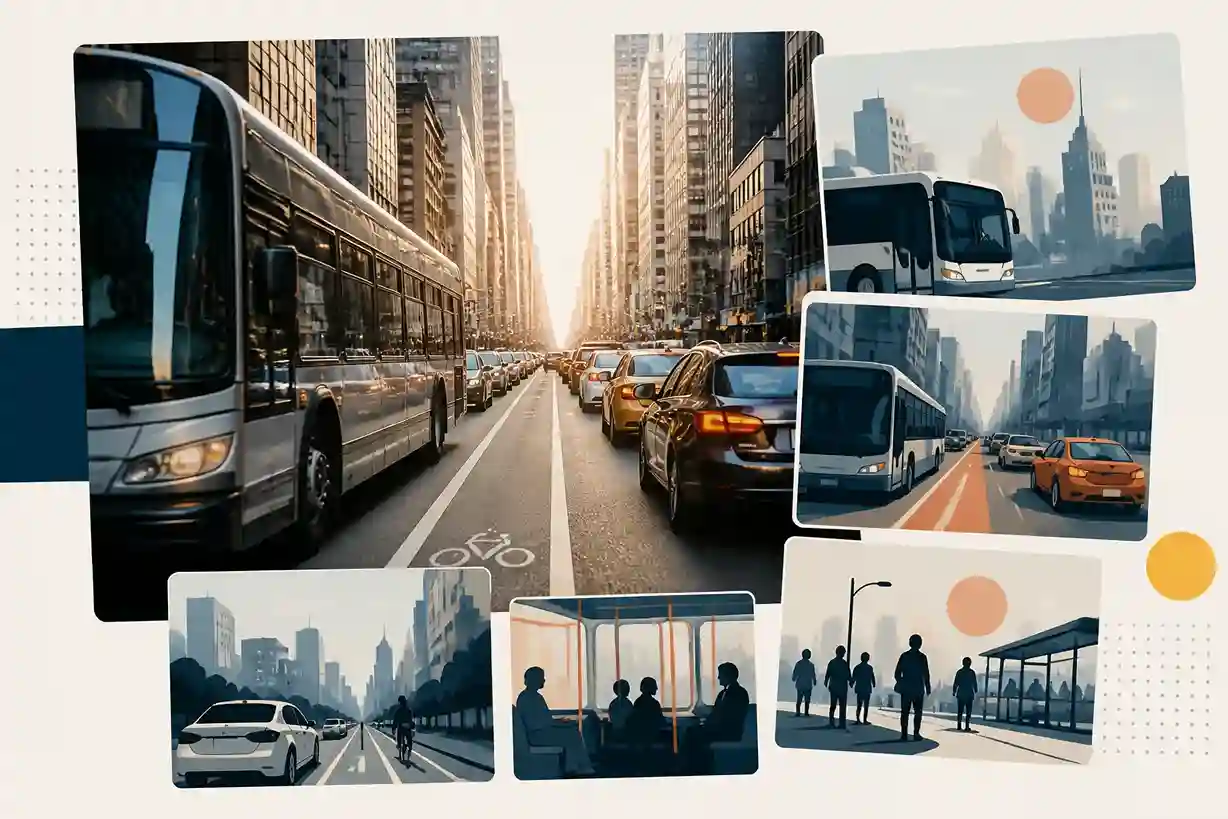
A presenter explaining urban transport can use a street photo to request a simplified illustration. Check whether the result makes the topic easier to recognize without competing with the slide's message.
Develop a Reference for a Game Location
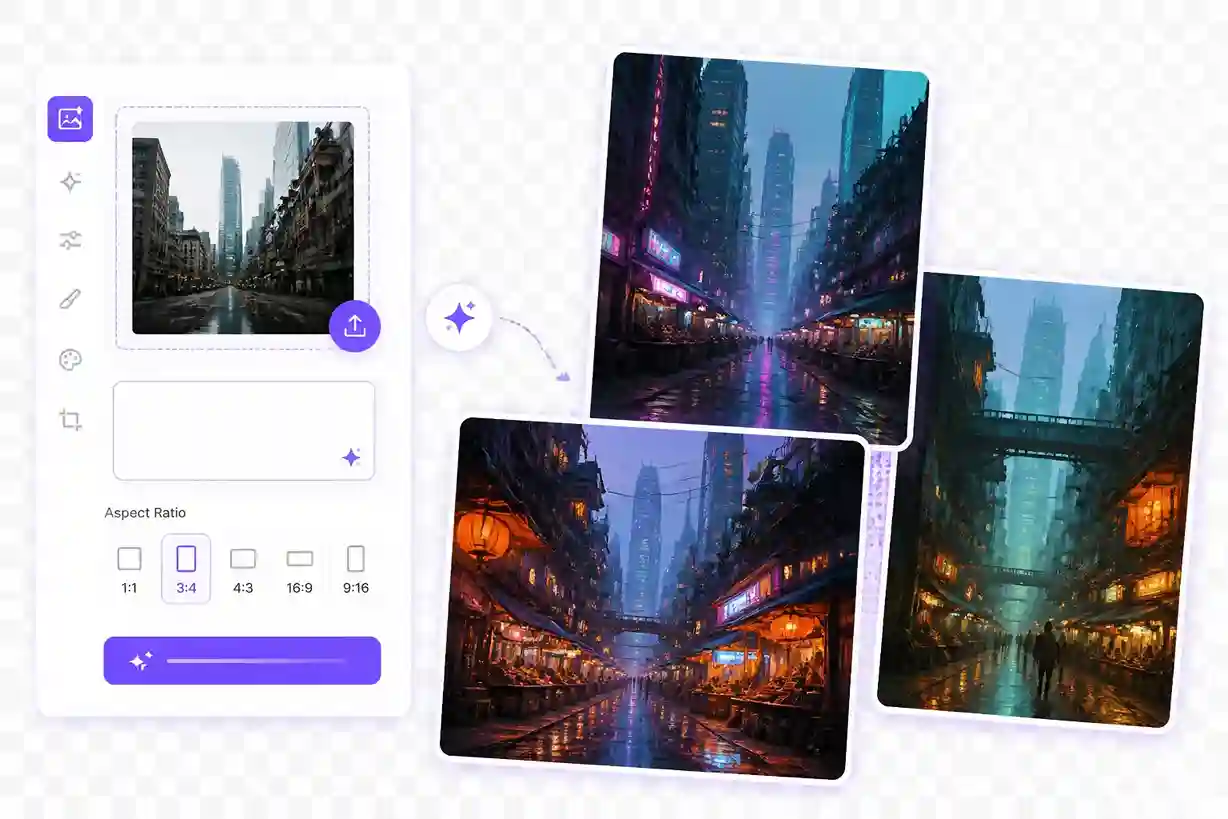
An independent game creator can turn a city photograph into a prompt for a neon-lit cyberpunk street or a futuristic market. Use the interpretation to discuss the environment's mood and visual landmarks.
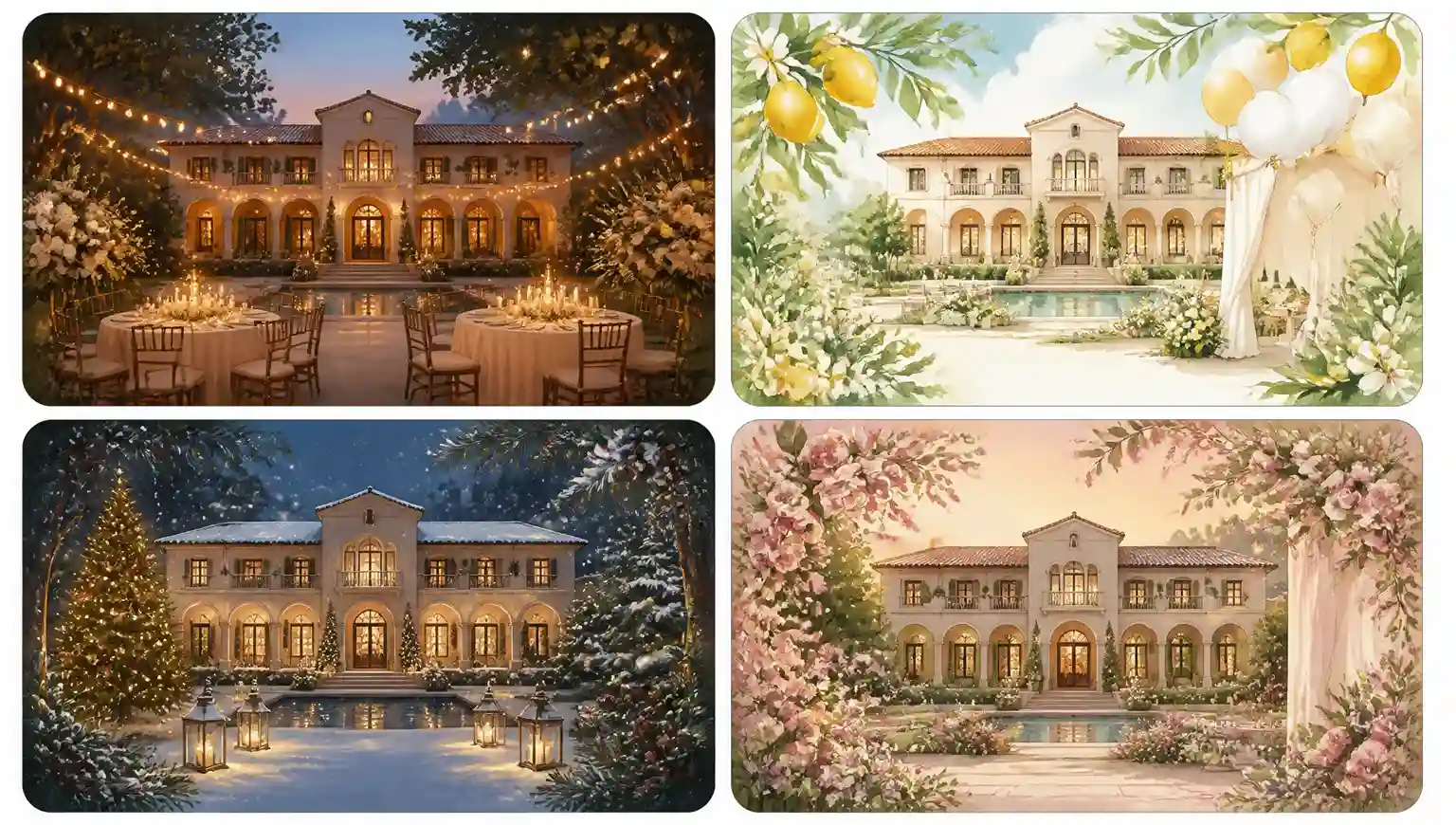
Explore an Idea for an Event Invitation
A host can use a photo of the venue to request a festive illustrated scene. Choose a direction that fits the occasion, then add the date and event details in the final layout.
Image to Image AI for Your Daily Work
The useful question is what your next image needs to explain. Here are four ways an existing photograph can become part of a new assignment.
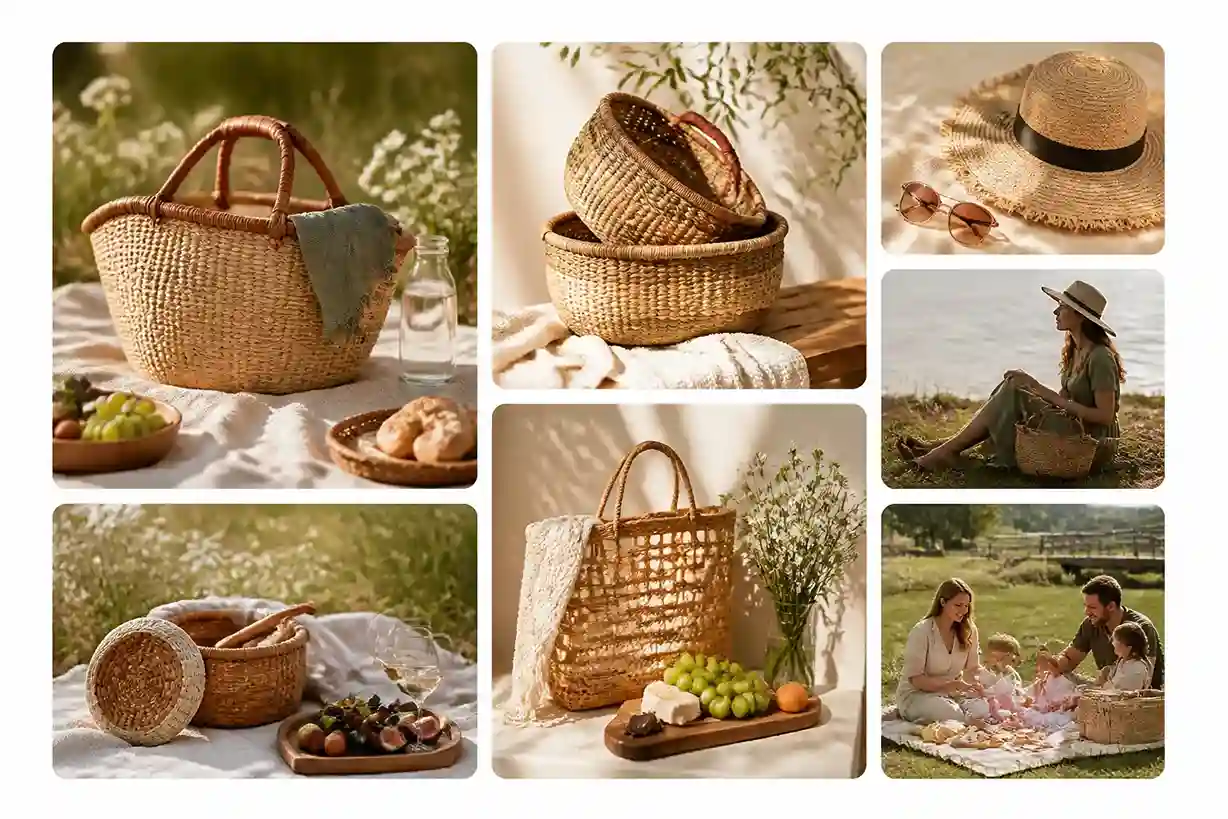
Independent Retailers Planning a Collection Story
A maker selling handwoven baskets might want to connect a new range with outdoor living. A basket photo and a description of a relaxed picnic scene can produce an example of that presentation. Assess how well the setting supports the collection, and verify the item's appearance before considering a customer-facing use.
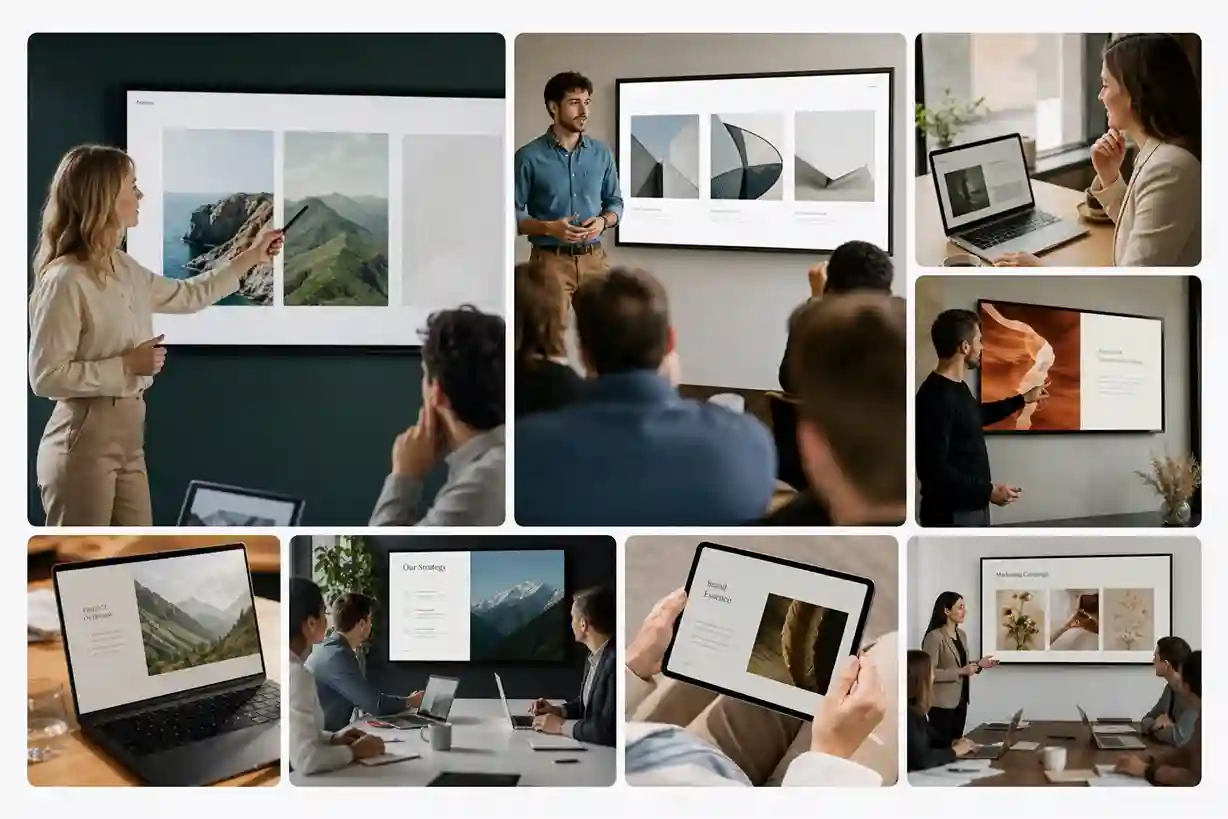
Turning articles and research into presentation slides takes time. Publishers can use image-to-image tools to transform existing visuals into polished slide illustrations, create consistent styles across a deck, and prepare presentation assets faster without designing every image from scratch.
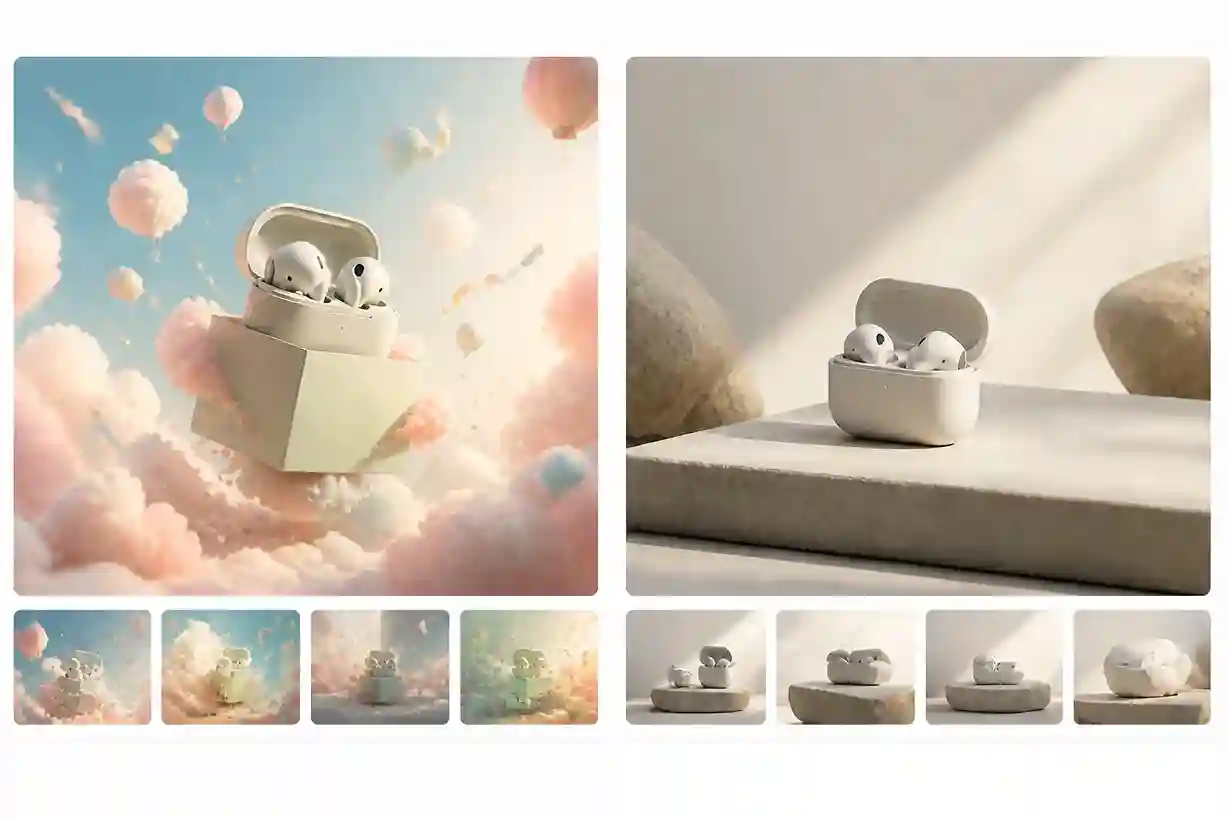
Creative Teams Comparing Two Interpretations of a Brief
One colleague imagines a launch image as whimsical; another sees something restrained. Use a shared reference and write a separate prompt for each proposal. The resulting pictures give the team specific choices to discuss: which subject treatment, scene, or atmosphere best supports the message?
Portrait Photographers Offering an Illustrated Keepsake
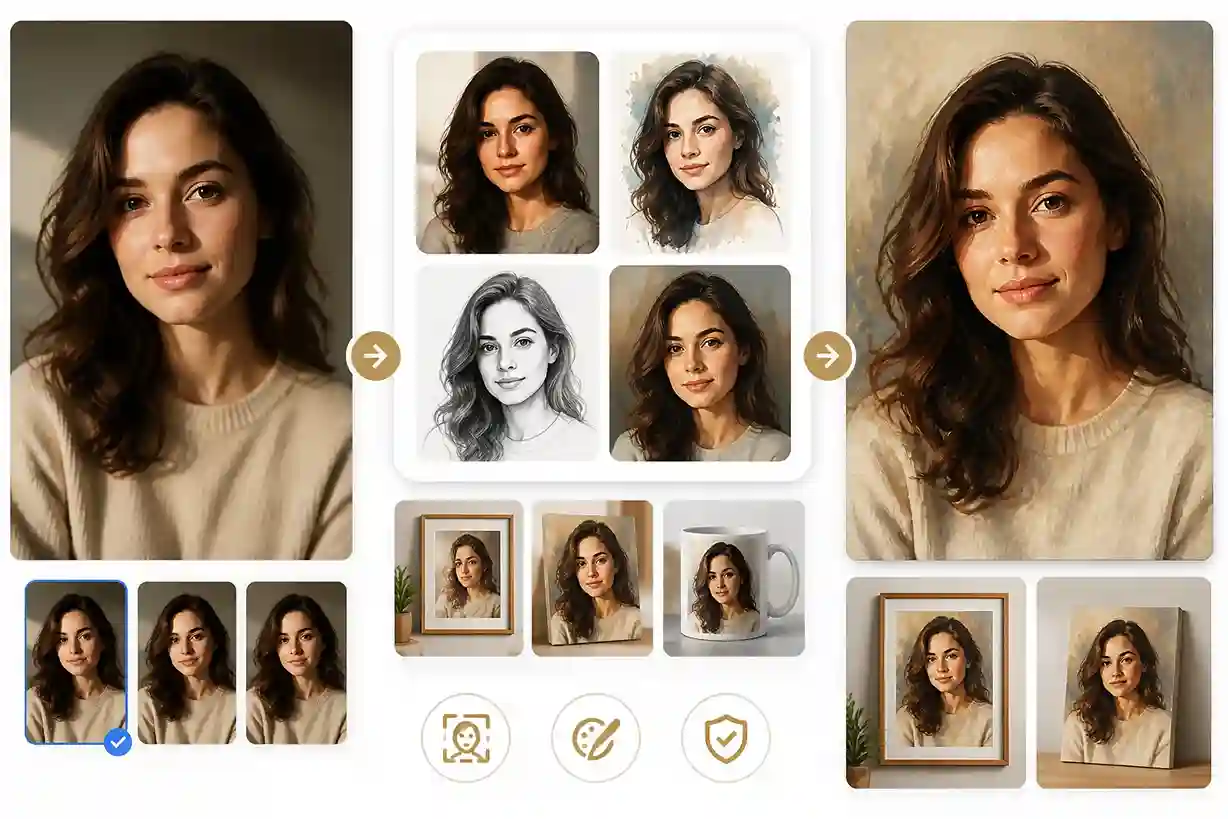
A client may want something more personal than another standard print. With permission to use the portrait, request a drawn or painted interpretation that suits the occasion. Evaluate the expression and distinguishing features before choosing an example to discuss with the client.
How to Use Image to Image AI
The image provides the reference. Your words supply the assignment. EzImage brings both into the generation process.
1
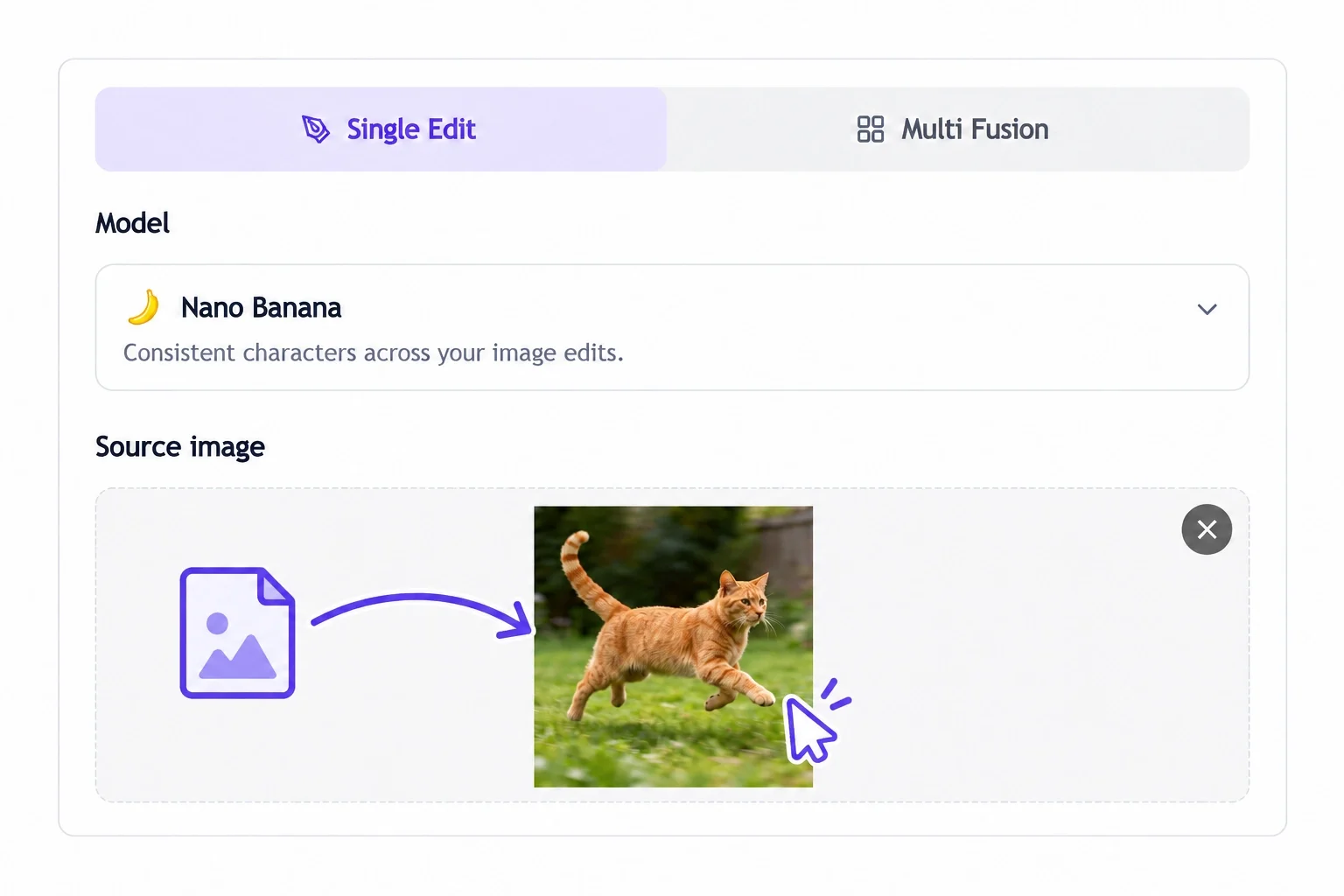
Pick the Picture That Best Explains Your Starting Point
Attach a source with a clearly visible subject or scene. Choose it for the details relevant to your idea so the generator has useful visual context.
2
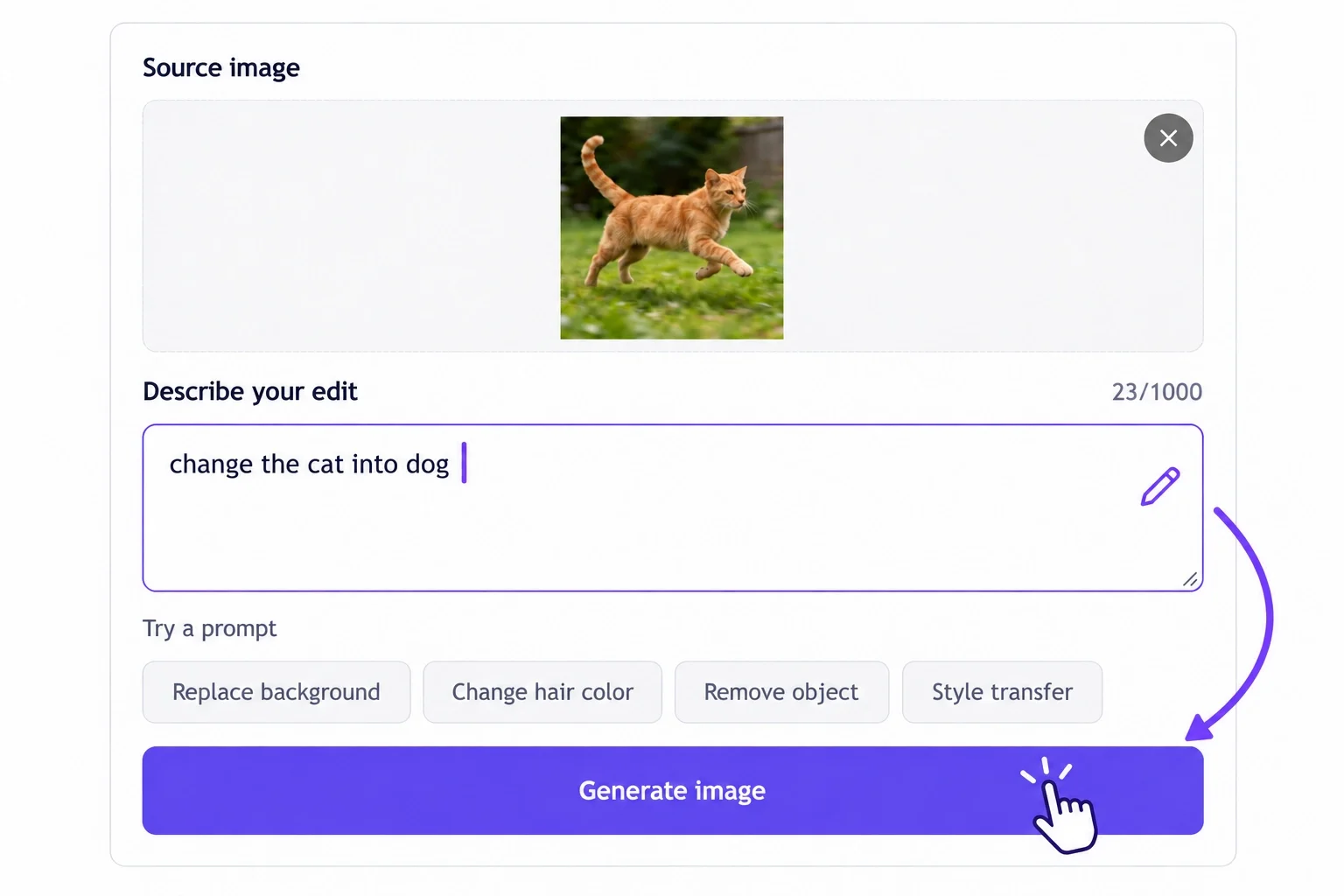
Guide Your Image to Image AI Generator
Say what the finished picture should depict. For example, "Interpret this cottage as a pen-and-ink drawing in a winter landscape." Generate a result from that instruction and your source.
3
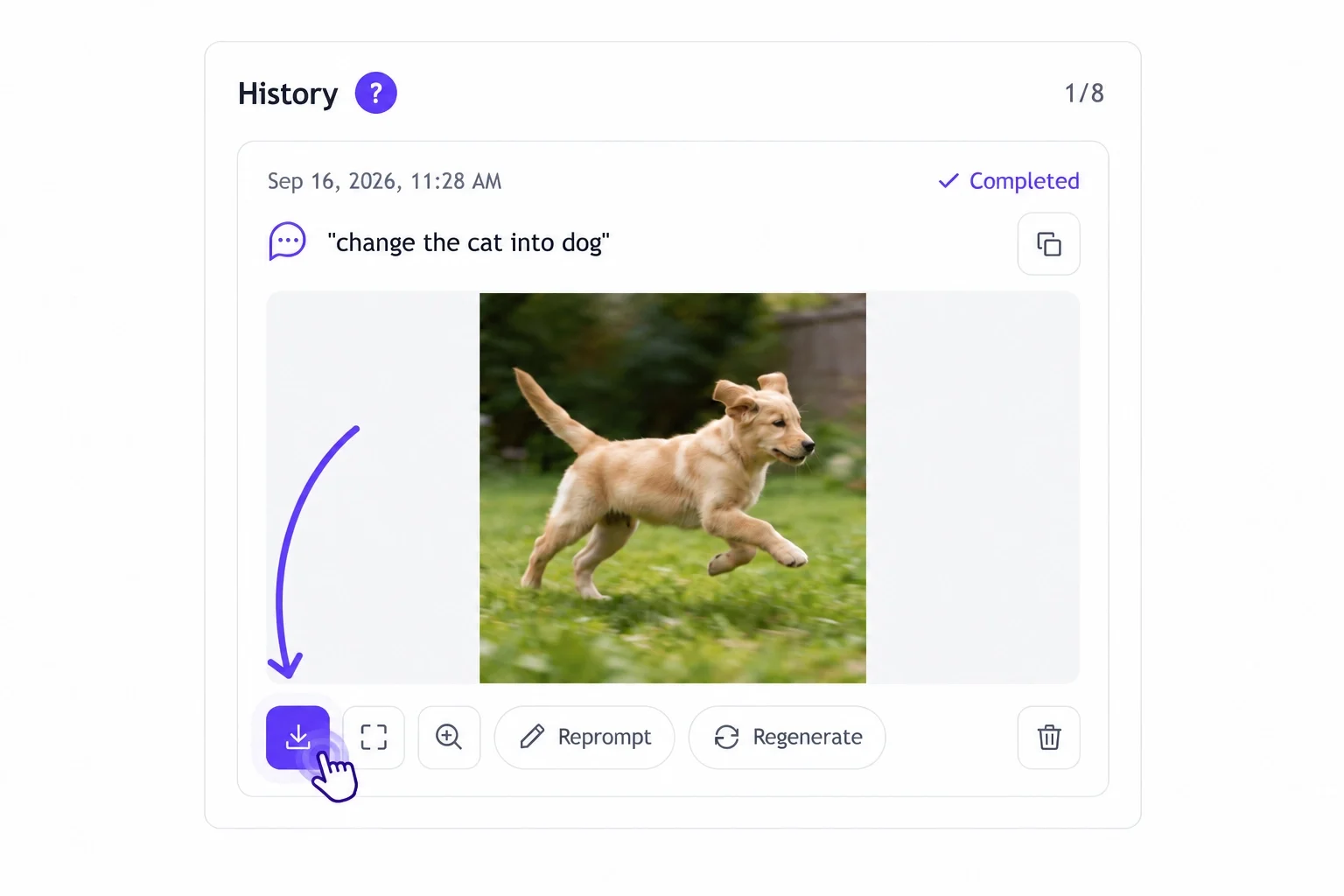
Save a Version Worth Taking Further
Look at the generated picture in the context of your project. If it offers a useful result or direction, download it for your project folder or next design step.
Image to Image AI User Stories
A reference can be the beginning of a gift, a story, or a design decision. These projects show the kinds of assignments people can give their photographs.
With image to image, I explored warmer lighting and different furniture styles without starting from scratch. It made comparing ideas much easier.
★★★★★ Ethan Brooks — Digital Artist | Concept Development
Sometimes I know the direction I want but struggle to picture the final result. I upload a rough concept and use the variations to work out what feels right.
★★★★★ Sophie Turner — Small Business Owner | Product Photography
The image to image generator helped me explore cleaner backgrounds for my product photos. I could compare different settings while keeping the product as the main focus.
★★★★★ Noah Williams — Illustrator | Character Design
I like being able to start with an existing character sketch instead of explaining everything from zero. Testing different outfits and colors makes the creative process feel more flexible.
★★★★★ Ava Mitchell — Social Media Manager | Content Creation
I use image to image to test different moods and compositions before deciding which version fits a campaign. One original photo can lead to several creative directions.
★★★★★ Lucas Martin — Game Designer | Environment Design
I started with a simple city reference and explored a neon cyberpunk setting for a game concept. It helped me communicate the atmosphere before developing detailed environment art.
★★★★★ Grace Wilson — Content Creator | Visual Experiments
The image to image generator gave me a way to explore new visual styles using my own portraits. I could compare different looks while keeping the original concept in view.
★★★★★ Daniel Foster — Marketing Specialist | Campaign Assets
When a product campaign needs a fresh look, arranging another photoshoot is not always practical. Exploring new backgrounds and campaign concepts with existing assets saves time.
★★★★★ Chloe Anderson — Photographer | Creative Retouching
Image to image made it easier to experiment with lighting, color, and atmosphere. I discovered a few creative directions I might not have considered otherwise.
★★★★★ Oliver Reed — Presentation Designer | Visual Concepts
I often need visuals that fit a specific presentation theme. Starting with an existing image helps me explore a consistent direction for slides without designing every asset manually.
The image to image generator is a useful starting point when exploring a new brand direction. I can test different aesthetics before narrowing down the visual identity.
★★★★★ James Parker — Online Seller | Product Visuals
I wanted more variety in my product images without arranging another photoshoot. Working from an existing photo helped me explore alternative scenes and presentation styles.
★★★★★ Isabella Moore — Fashion Creator | Outfit Concepts
I use visual variations to explore clothing colors, styling ideas, and backgrounds. Comparing several directions helps me decide what works best before settling on a final look.
★★★★★ Benjamin Scott — Marketing Specialist | Ad Creatives
I used image to image to explore several versions of an ad concept. Comparing different visual treatments helped me decide which direction deserved further refinement.
★★★★★ Ella Thompson — Digital Illustrator | Art Exploration
I enjoy testing styles that would normally take me a while to sketch out. Starting from a basic visual reference helps me develop new ideas while keeping the process open.
★★★★★ William Harris — Editorial Designer | Presentation Graphics
I often turn rough visual references into polished concepts for reports and presentations. It gives me a quicker way to explore slide imagery and maintain a consistent visual direction.
★★★★★ Mia Robinson — Travel Blogger | Photo Styling
The image to image generator helps me experiment with atmosphere and composition using my own travel photos. It's a useful way to explore different visual moods for a story.
★★★★★ Henry Lewis — Independent Developer | Game Assets
I needed a quick way to explore several looks for a game environment. Comparing futuristic, industrial, and stylized directions helped me choose a visual approach to develop.
★★★★★ Lily Cooper — Lifestyle Creator | Social Content
I use image to image when I want to try a new visual style without losing the idea behind my original photo. It's especially useful when brainstorming content before a shoot.
★★★★★ Alexander Young — Creative Consultant | Concept Visualization
A reference image can explain an idea faster than a long description. Exploring visual alternatives makes creative discussions more concrete and helps everyone understand the intended direction.
????
FAQs About EzImage Free Image to Image AI Generator
What Is an Image to Image Generator?
An image to image generator is an AI tool that transforms an existing image based on your text prompts or visual references. It lets you change styles, backgrounds, colors, and details while using the original image to guide the result.
What Does My Reference Contribute to the Result?
The uploaded picture supplies visual context that a written instruction alone would not contain. Image to Image AI interprets that context alongside your prompt to create a new picture.
Where Can I Try Image to Image AI Free?
EzImage offers a free trial for this workflow. If you need an AI image generator free to evaluate with your own photo, check the trial terms shown in the tool before starting.
How to Generate AI Images When I Already Have a Reference?
Add the file to the image to AI image generator and write the assignment for the new picture. Run generation, assess what it produces, and download the result you want to keep.
Should My Prompt Describe the Original or the Finished Picture?
Prioritize the finished picture. The upload already provides a reference, so use your words to explain the desired scene, medium, and important details instead of only narrating what is visible.
What If I Only Know the Feeling I Want?
Make the feeling concrete. Instead of only writing "nostalgic," try describing faded print colors, soft afternoon light, or a hand-drawn finish. Those cues explain the visual qualities you mean.
Is a Sketch Useful as a Starting Reference?
A sketch can communicate an arrangement or idea that is difficult to explain in words. Pair it with a description of the intended scene and treatment, and assess how the output interprets the drawing.
Will the Generator Keep Every Detail I Care About?
It may alter features, shapes, or lettering. Mention the details that matter in your prompt, then compare the output with your original when likeness or accuracy is important.
What Should I Change If the First Result Misses the Idea?
Identify the largest mismatch: the subject, setting, medium, or atmosphere. Revise that part of the prompt with a specific instruction rather than adding several competing directions at once.
How Do I Compare Two Different Creative Directions?
Give each direction a separate prompt and assess the results against the same assignment. Ask which one communicates the subject or message more clearly at its intended destination.
Can I Take the Generated Picture into Another Design Tool?
Yes. Download the result and use it in your next editing or layout step. Add final typography, arrange the composition, or prepare a crop according to the needs of that project.
How Should I Choose a Source If Several Photos Are Available?
Choose the one that most clearly shows the subject or arrangement your assignment depends on. A reference with relevant, readable details gives your prompt a more useful starting point than a visually unrelated photo.
 EzImage