Upload a photo, describe the changes you want, and let EzImage edit, enhance, or transform it in seconds. No design skills, sign-up, or watermark required.
01
AI Photo Editor for the Change You Mean
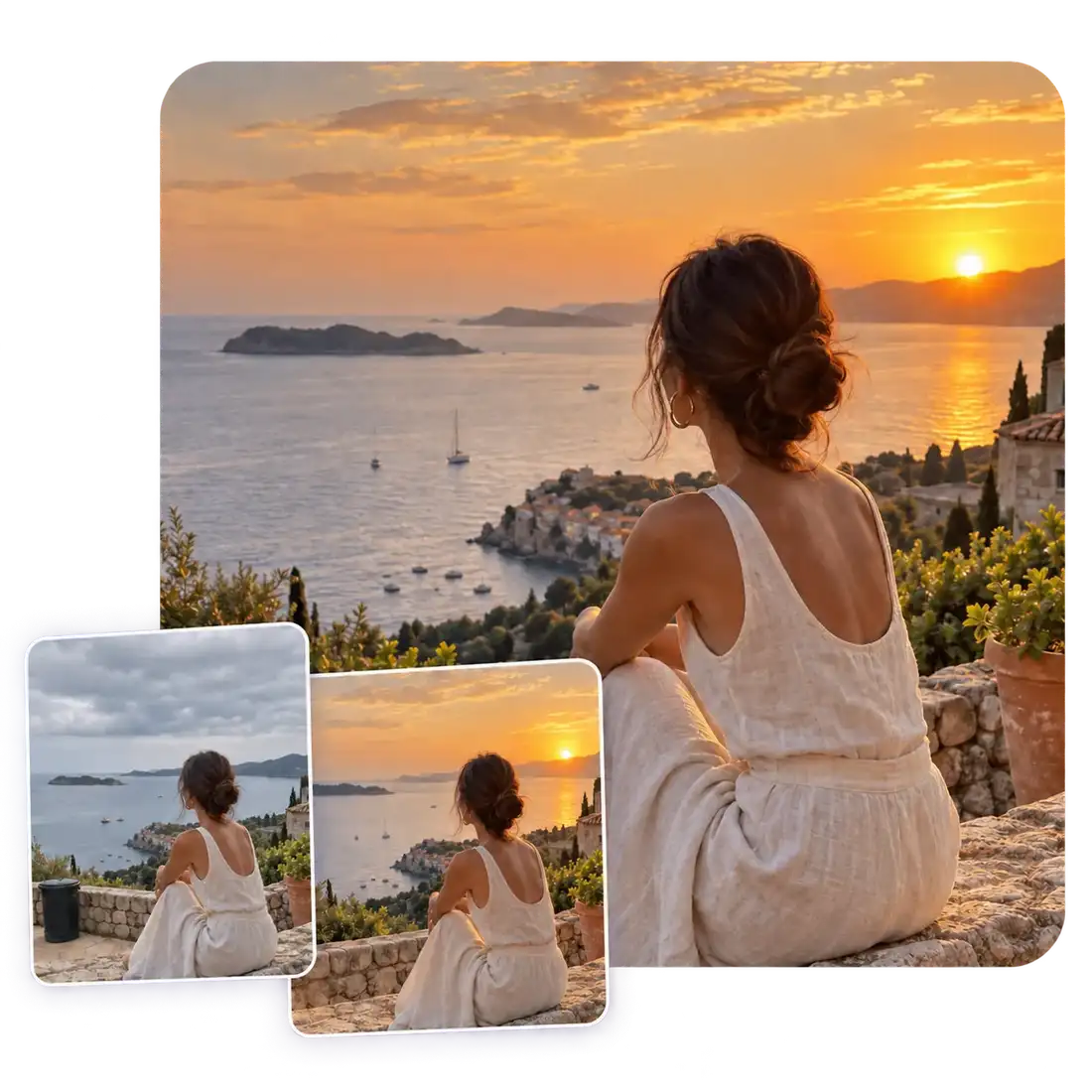
An edit can be small and still matter: a busy corner, a dull sky, a reflection on a product, or one detail that pulls attention away. With image to image, you can describe the changes you want and refine your original picture through conversation, making it easy to bring your vision to life without starting from scratch.
Target a distracting object, an uneven area, or a specific visual detail
Describe the intended change in ordinary, scene-aware language
Compare a new direction while protecting the subject and composition you chose
02
AI Image Editor Online for a Style with a Point of View
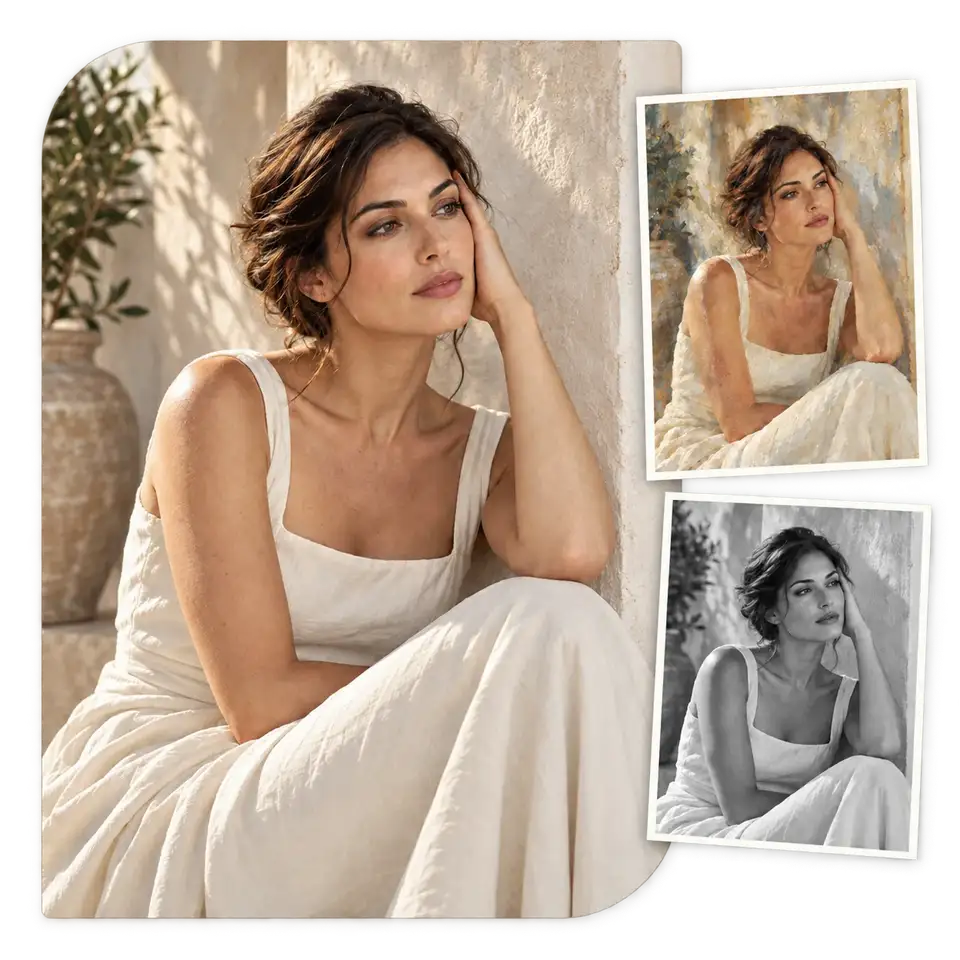
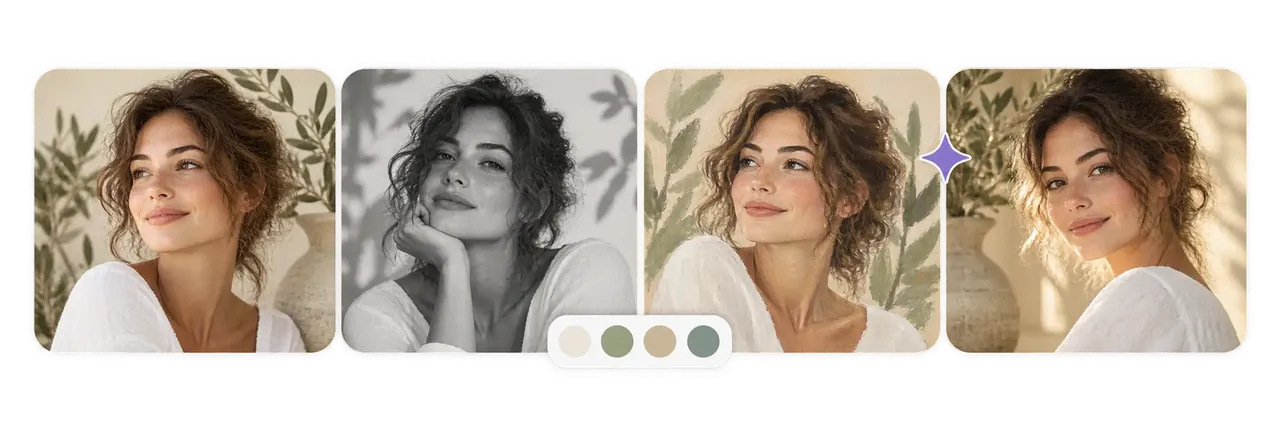
Good creative direction is more than a filter. AI image editor online tools let you ask for a softer palette, an editorial texture, or an illustrated feeling while keeping the original image as the starting point.
Try mood, palette, and material cues before committing to a campaign look
Keep the person, product, or composition recognizable across variations
Use reference language that names the atmosphere you want, not only the effect
03
AI Photo Editor for Text, Retouching, and Larger Outputs
Some images need the final pass: a cleaner edge, a natural-looking caption, or more usable detail for a larger placement. Use AI photo editor tools to refine the visual as it moves from a rough idea to a ready-to-publish asset.
Add scene-fitting text for signs, labels, and simple visual messages
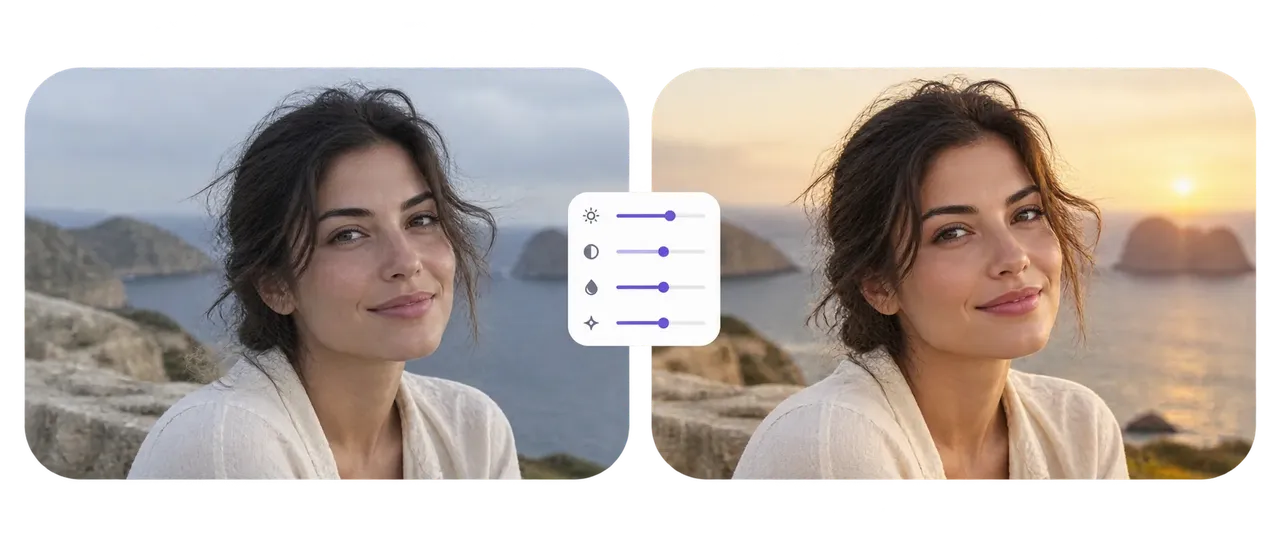
Polish lighting, small distractions, and presentation details
Choose the size and aspect ratio that fits the next destination
Free AI Photo Editor Online for Creative Image Tasks
From quick improvements to creative transformations, EzImage helps you turn simple photos into polished visuals for products, content, and personal projects.
Turn Ideas into Visual Concepts
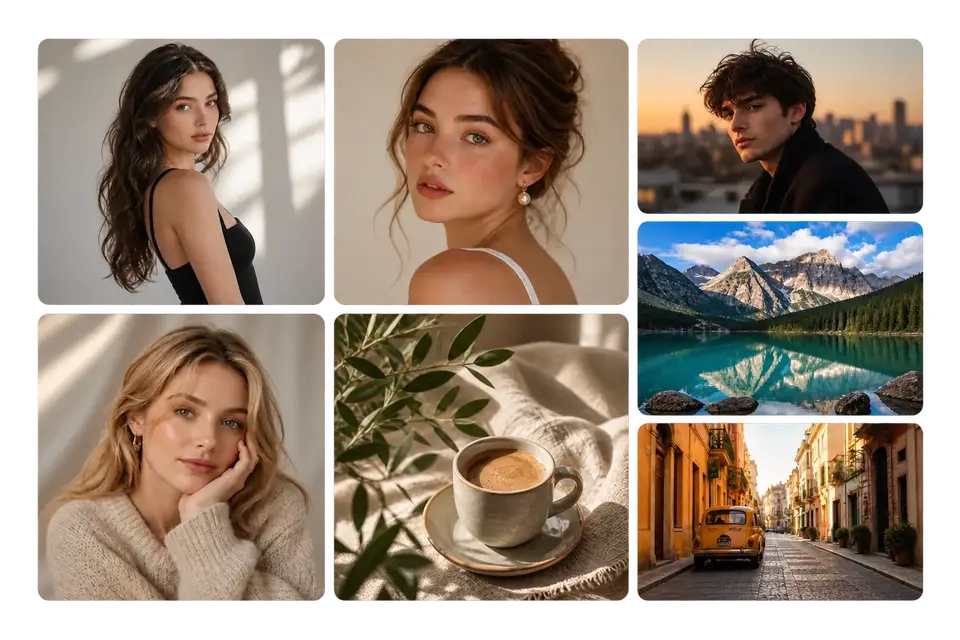
Bring creative ideas to life by describing what you imagine and exploring new visual directions without starting from a blank canvas.
Improve Photos with Targeted Edits
Make specific changes while keeping the rest of the image consistent. Adjust details, refine areas, and enhance the parts that matter most.
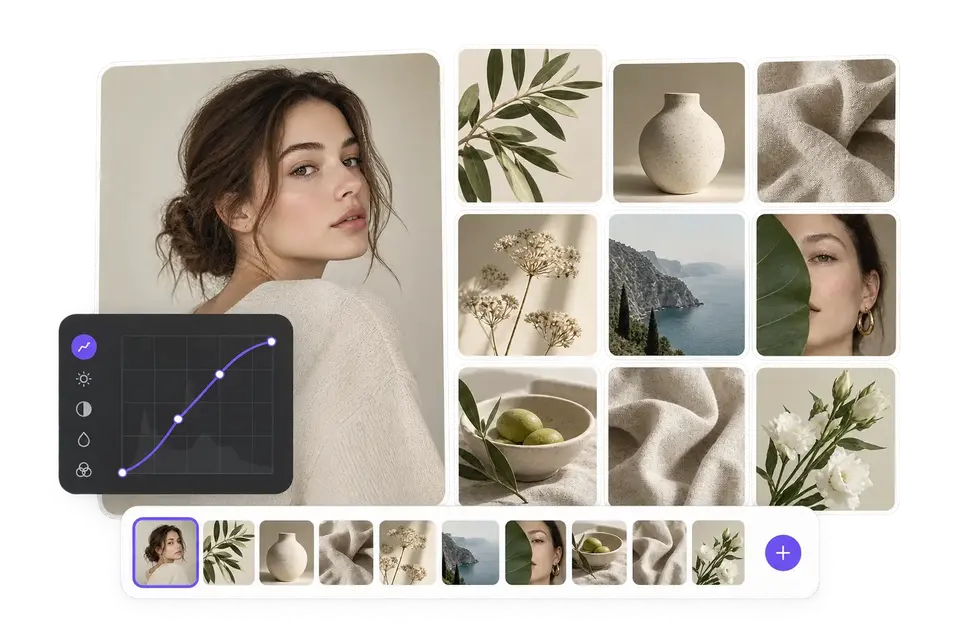
Create Consistent Visual Collections
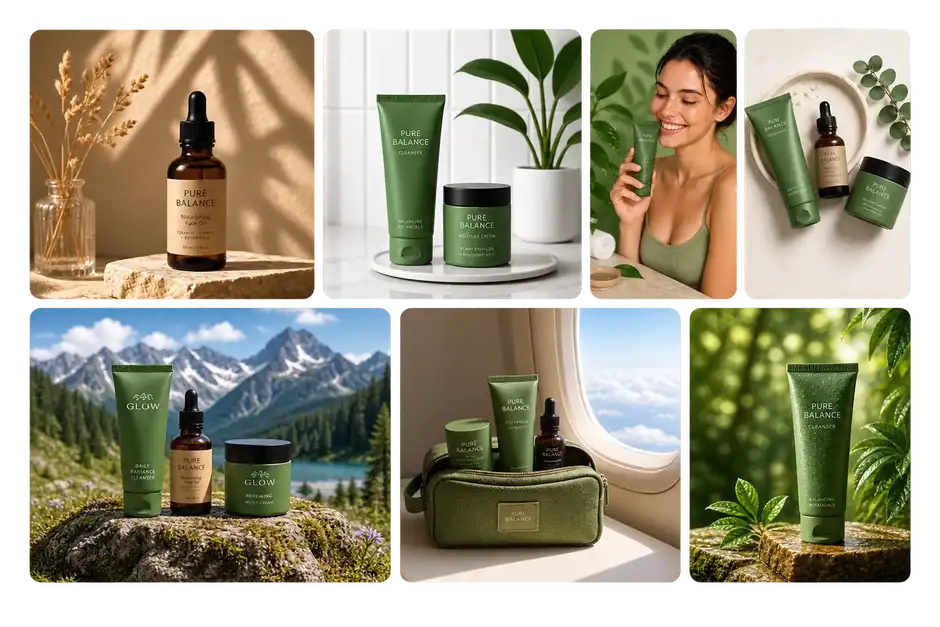
Build a unified style across multiple images for campaigns, product pages, or social content with AI-powered editing workflows.
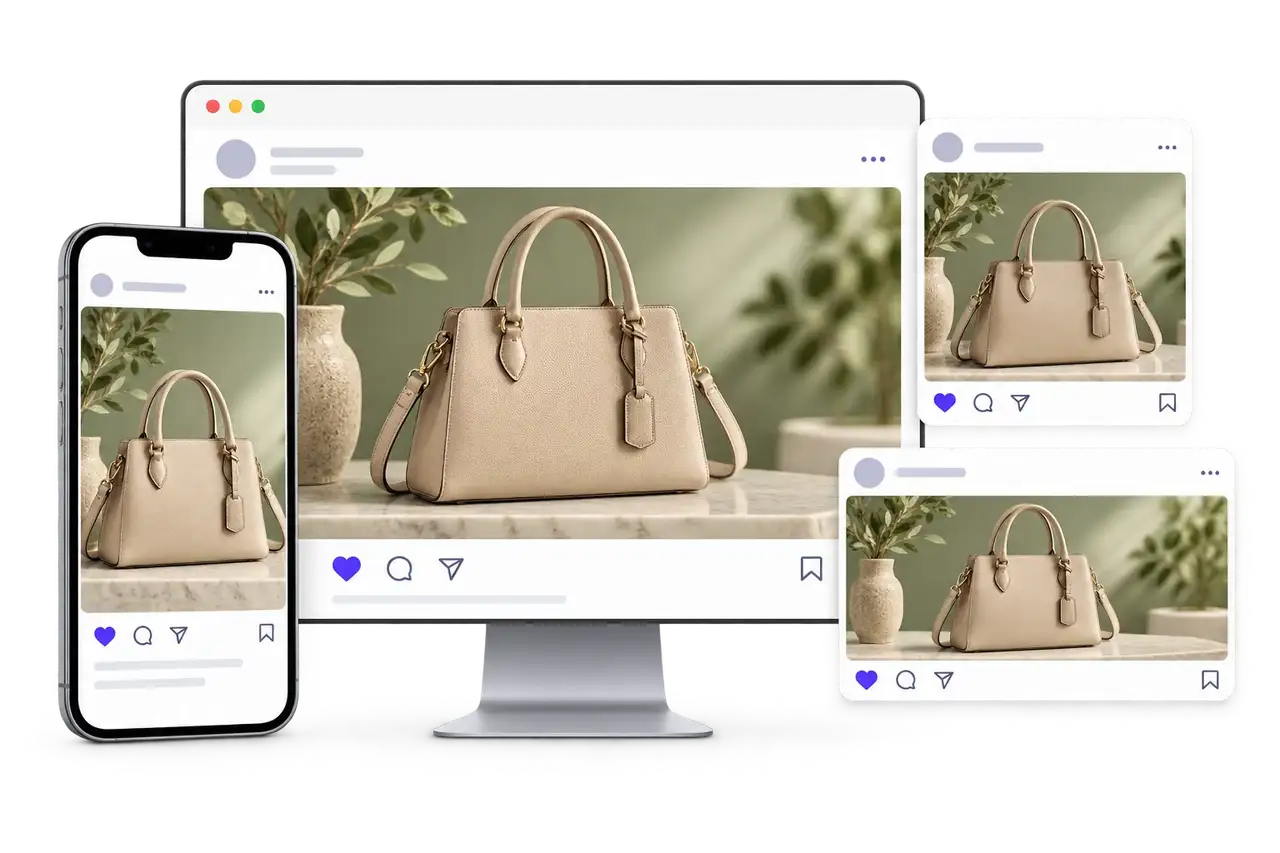
Prepare Images for Different Platforms
Adapt your visuals for different needs, from online stores and social media posts to presentations and marketing materials.
Bring Product Ideas to Life
Transform simple product photos into more engaging visuals without expensive shoots or complex editing workflows.
Experiment with New Creative Directions
Explore different styles, concepts, and visual possibilities with AI tools designed to make image creation faster and easier.
Who Creates with EzImage Free AI Photo Editor Online?
From online sellers to creators and creative teams, EzImage helps turn everyday photos into polished visuals with simple AI-powered editing tools.
Turn Product Ideas into Ready-to-Sell Images
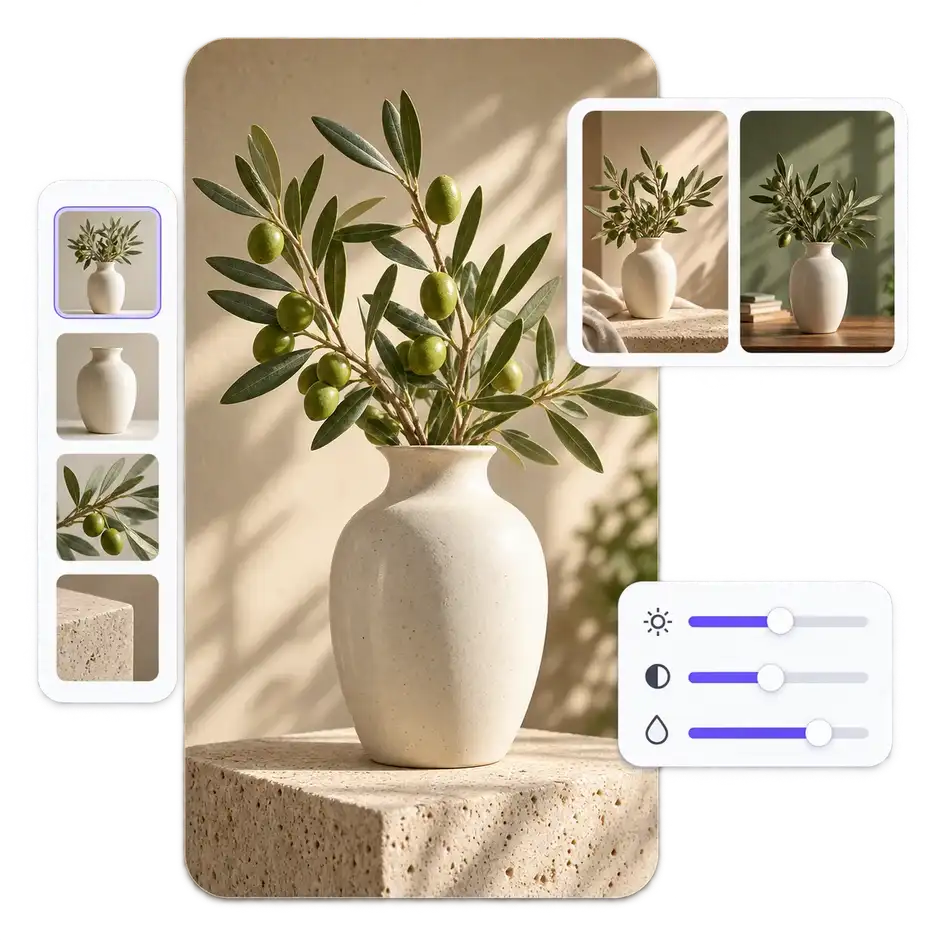
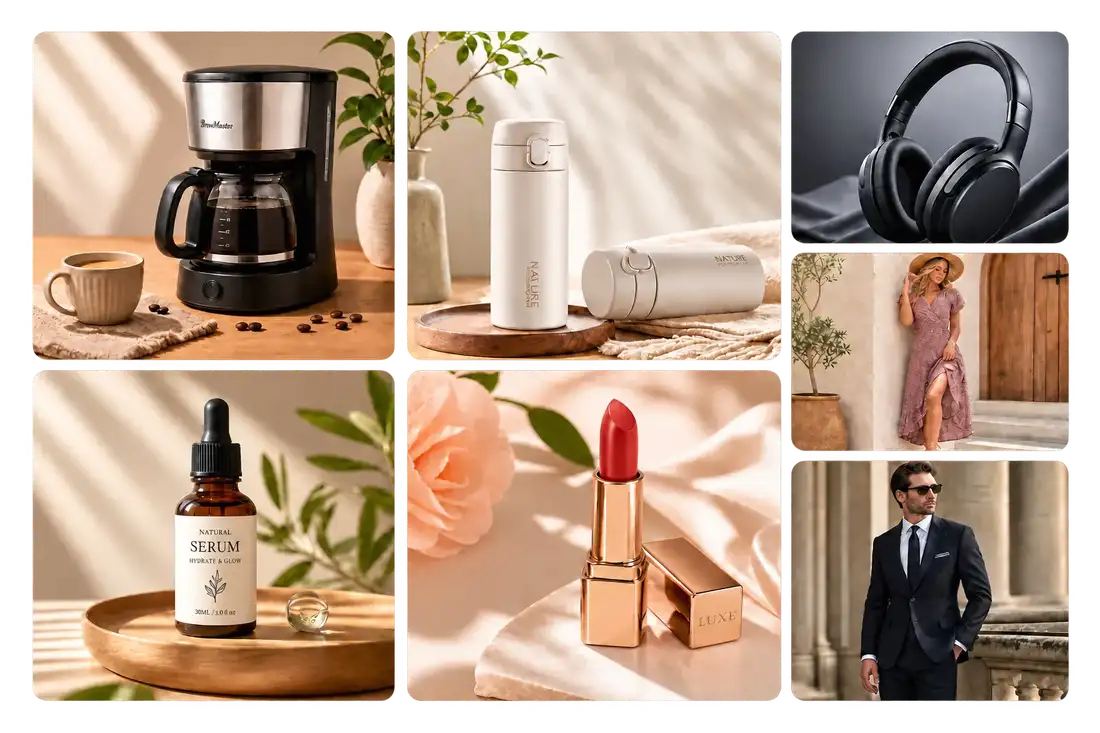
Create polished product visuals from simple photos without preparing a full studio setup. Adjust scenes, remove distractions, and present products in a way that feels ready for customers.
Create lifestyle scenes from basic product shots
Remove unwanted objects and messy backgrounds
Prepare visuals for online storefronts
Keep Your Feed Fresh Without More Shoots
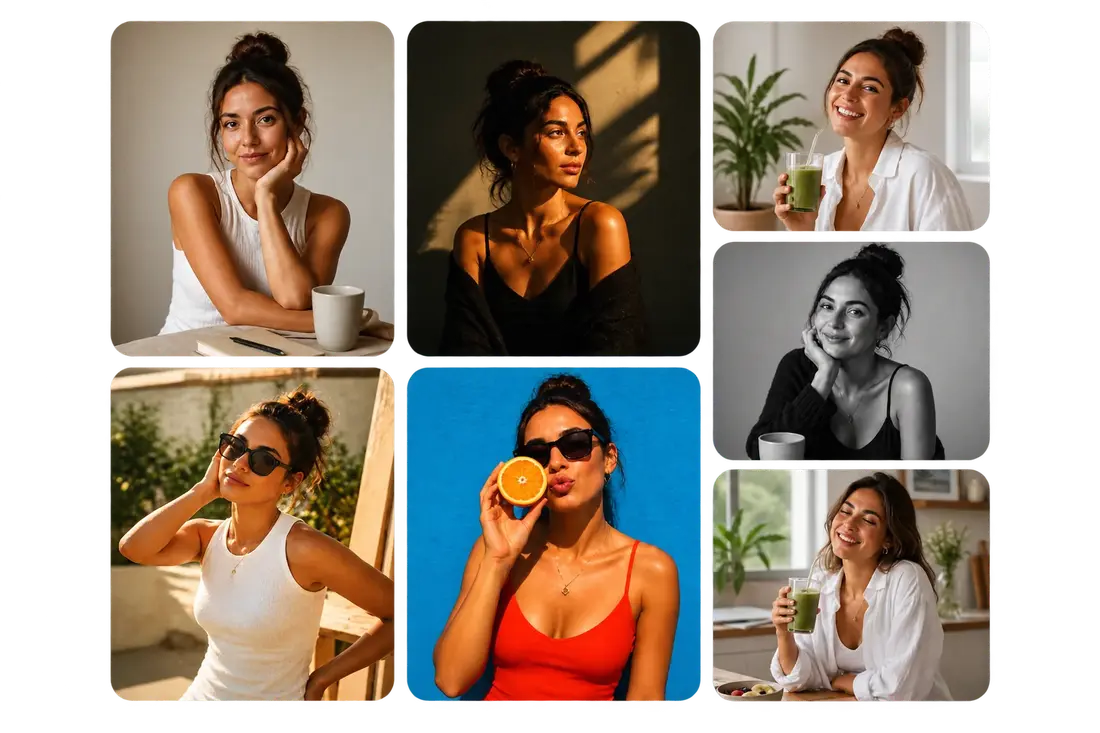
Create new visual directions from photos you already have. Change the atmosphere, style, or composition to match different posts, campaigns, and content ideas.
Generate new looks from existing images
Adapt visuals for different social platforms
Refresh old content with creative edits
Explore Campaign Ideas Before Production
Test different visual concepts before investing in a full photoshoot. Create variations quickly to compare styles, scenes, and creative directions.
Preview multiple campaign concepts
Build consistent brand visuals
Create assets for ads and promotions
Spend Less Time on Repetitive Retouching
Handle common editing tasks faster while keeping the original feeling of your photos. Refine portraits, adjust details, and deliver polished results for clients.
Clean up portraits with precise edits
Enhance lighting and image quality
Create multiple versions for client review
How to Use EzImage AI Photo Editor Online for Easy Edits
Upload your image, describe your edits, and use EzImage to transform, enhance, and refine photos in seconds with simple AI tools.
1
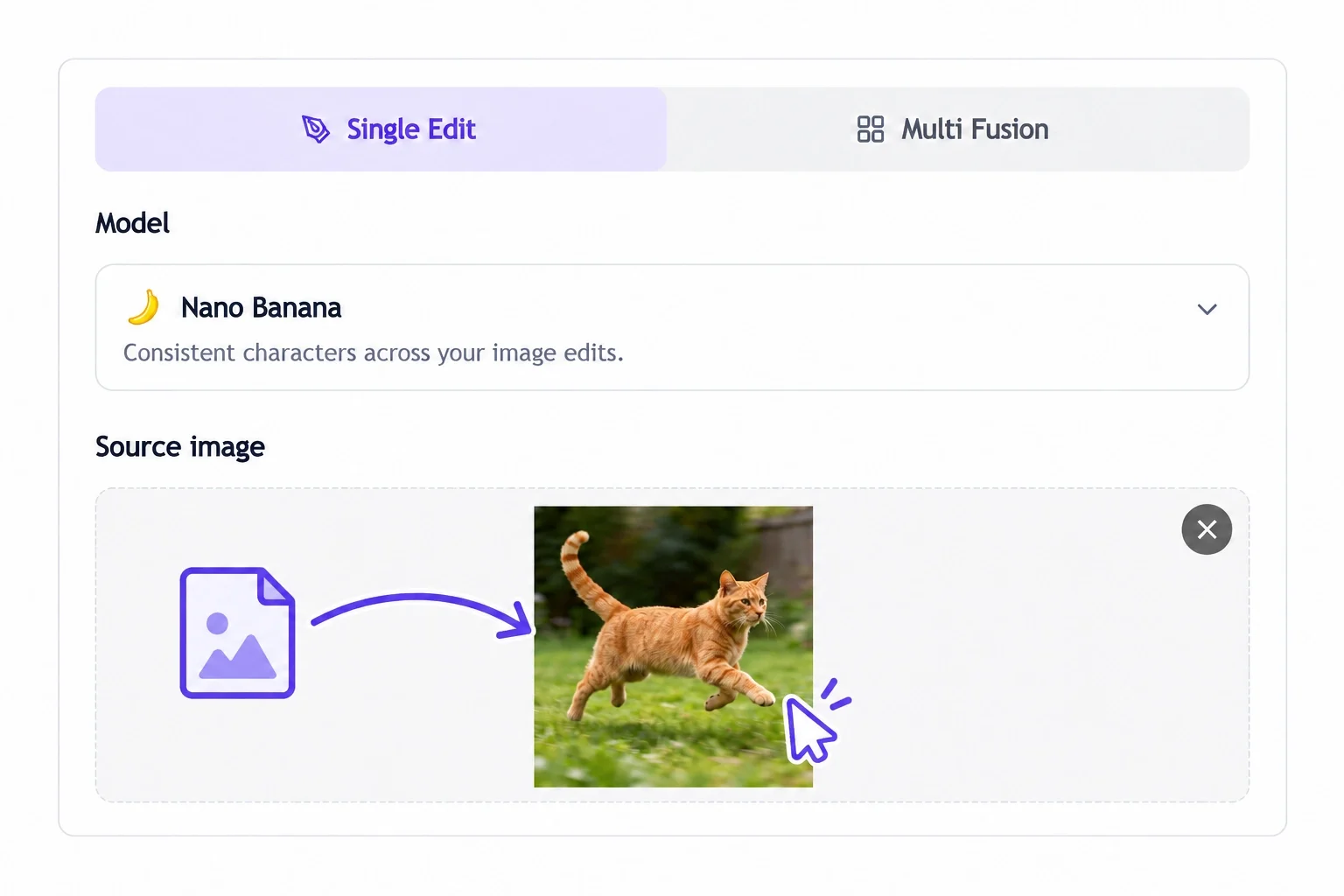
Upload Your Photo
Add an image from your device and start editing instantly. EzImage supports common formats, making it easy to work with photos from your phone, camera, or computer.
2
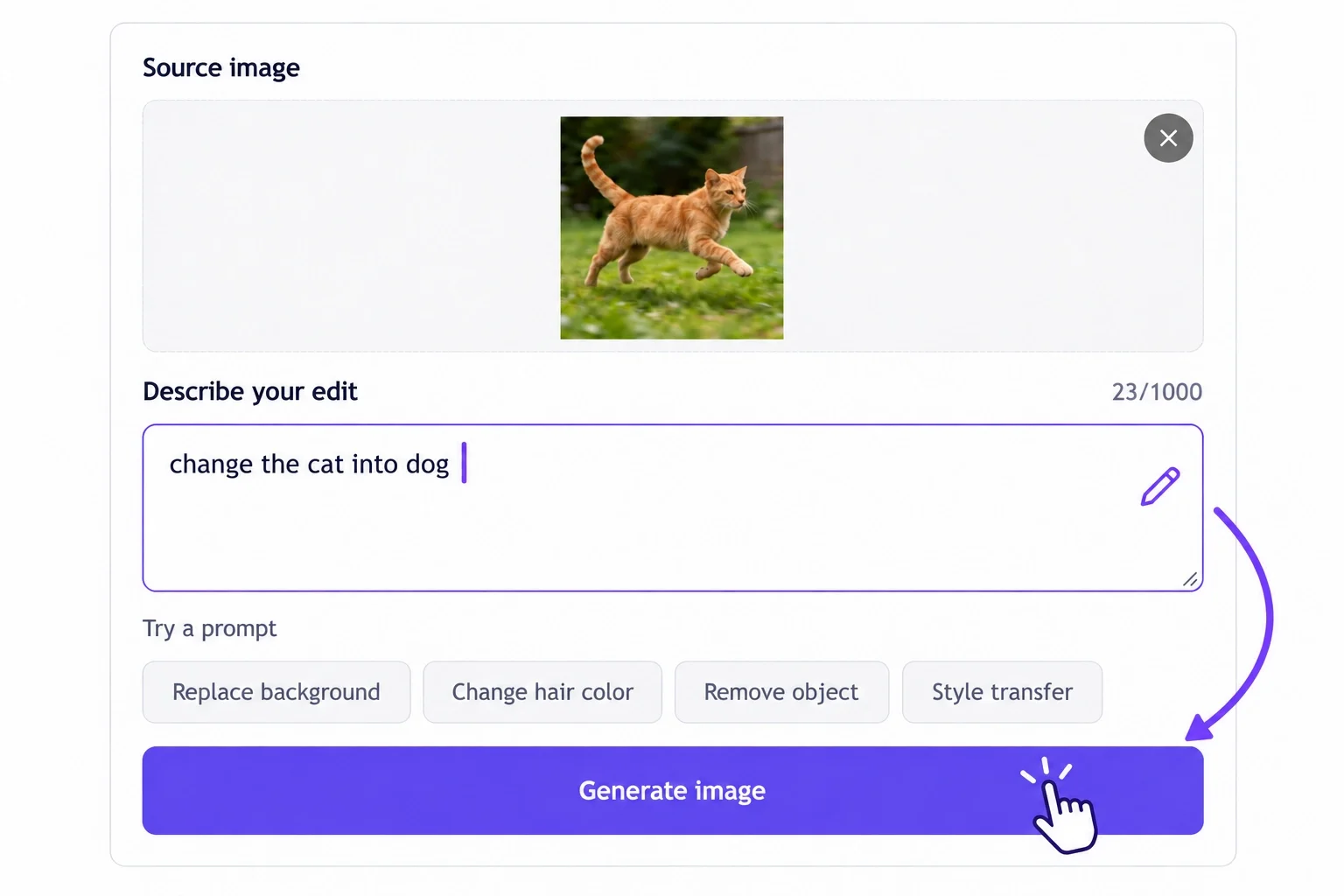
Describe Your Changes
Write your request in natural language, whether you want to remove distractions, change the background, restore details, or create a new style.
3
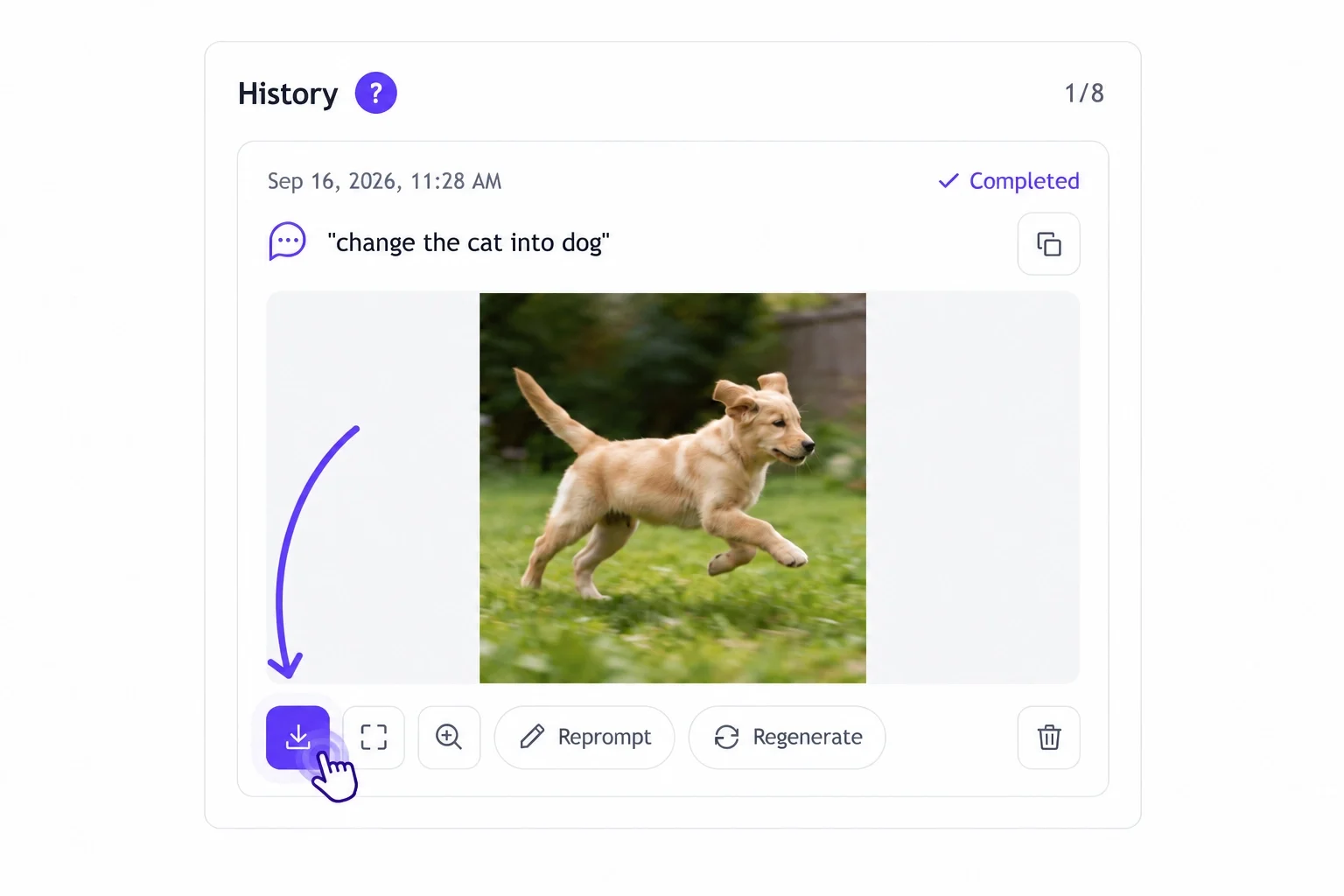
Get Your Finished Image
Preview the result, make adjustments if needed, and export a high-quality image ready for sharing, marketing, or personal use.
Why Users Choose EzImage Free AI Photo Editor Online
Read how different creators use EzImage to remove objects, change backgrounds, restore photos, and improve their images.
★★★★★ Mara Ellis — Independent ceramicist | Product cleanup
“I had a set of mugs photographed on a worktable with too much visual clutter. This free AI photo editor helped me ask for a calmer surface while keeping the handmade texture. The new images finally feel like the shop I am building.”
★★★★★ Noah Bennett — Travel writer | Scene refinement
“A street photo had one great moment and five things fighting for attention. With an AI photo editor online, I used a simple prompt to quiet the background and kept the imperfect light that made the picture feel real.”
★★★★★ Leila Okafor — Community manager | Post variations
“When a launch needs several formats, I do not want every variation to start at zero. EzImage gave me a practical way to explore the same visual message in different settings with a free AI image editor.”
★★★★★ Jonas Reed — Vintage reseller | Photo restoration
“The scan was faded and creased, but the faces mattered more than a perfectly polished result. This AI image editor online gave the photo enough clarity to share with the family again.”
★★★★★ Aisha Morgan — Cafe owner | Menu images
“My food photos were honest but uneven. I used AI photo editor prompts to simplify the table and warm the scene; the menu now feels much closer to the experience in the cafe.”
★★★★★ Theo Park — Freelance designer | Text in scene
“I needed a small message to look like it belonged on the window, not pasted across the photo. The first result gave me a useful direction, and a tighter prompt got it closer.”
“I could test clean and lifestyle backgrounds from the same product image before deciding what to shoot next. A free AI photo editor made that final choice much easier.”
“For quick client previews, I like being able to specify the change instead of reaching for a dozen controls. An AI photo editor online is especially useful for small distractions around the edge of a frame.”
★★★★★ Yuki Tan — Newsletter editor | Campaign visual
“Our team had a strong photo but not the right seasonal context. AI image editor directions helped us explore the concept before we asked the designer for final artwork.”
★★★★★ Grace Holloway — Museum volunteer | Archive scans
“Some scanned photos only needed a more readable starting point. A free AI image editor let me try a restoration direction without treating the image like generic content.”
★★★★★ Eli Warren — Video creator | Thumbnail testing
“I used one portrait to test brighter, darker, and cleaner backgrounds for a thumbnail. With AI image editor online, seeing the options side by side made the decision less subjective.”
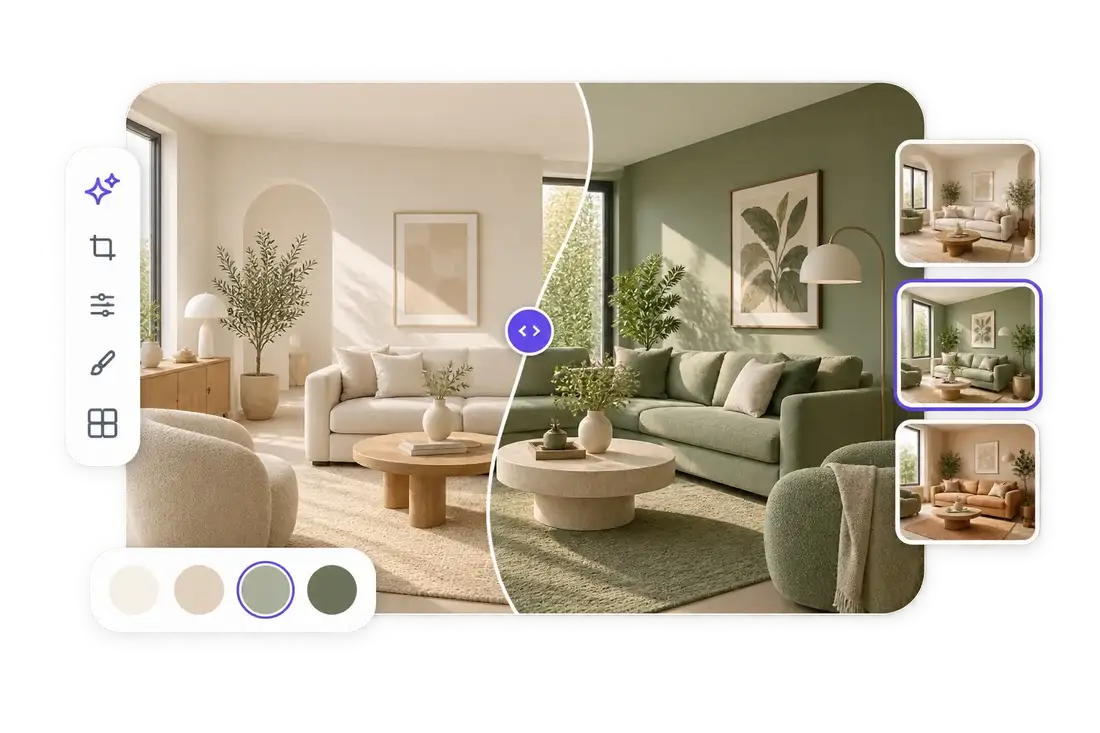
“A room photo needed to show a different table mood for a client conversation. The edit was a fast way to communicate the idea before we staged anything.”
“The AI photo editor workflow was useful for visual exploration: one cover image, a clearer mood, and a few directions to discuss with the illustrator.”
★★★★★ Rina Das — Family historian | Color direction
“I used a restrained prompt on an old black-and-white image because I wanted the result to feel respectful, not overproduced. The preview helped me decide where to stop.”
★★★★★ Caleb Stone — Fitness coach | Social content
“A phone photo from the studio was good enough to start with, but not ready to post. A cleaner scene and a little light correction changed how it read on the feed.”
“I use AI image editor online tools to make a visual thought visible early. It is not a substitute for direction; it is a faster way to arrive at one.”
????
FAQs About EzImage Free AI Photo Editor Online
What is AI photo editor?
AI photo editor is a browser-based editing workflow that interprets a written instruction and applies it to an uploaded image. It can help with object cleanup, background direction, restoration, styling, text, and detail refinement.
Is EzImage a free AI photo editor?
Yes. EzImage is a free AI photo editor that you can use without signing up. Upload an image, describe the change you want, and download your finished edit without creating an account.
How does AI photo editor online work?
Upload an image, write a direct instruction, choose any relevant settings, and review the generated result. The best prompts identify the element to change and the element that should remain unchanged.
What can I ask AI image editor to change?
You can ask for an unwanted object to be removed, a background to be replaced, colors or lighting to be adjusted, a style direction to be explored, text to be added, or an old image to be refreshed.
Can I use AI photo editor for product pictures?
Yes. Use it to explore cleaner backdrops, reduce visual clutter, refine a product scene, and create variations that fit different listings or campaign placements. Check results carefully for product color, labels, and proportions.
Can free AI image editor help with old photos?
A free AI image editor can provide a starting point for faded, scratched, or soft scans. For valuable originals, keep a copy of the source image and review facial features, writing, and historical details before sharing the result.
Which formats can I upload?
The EzImage interface lists JPG/JPEG, PNG, and WEBP uploads, with a 24 MB maximum file size. Confirm the current upload requirements in EzImage before preparing a large batch.
Can I choose an aspect ratio or output size?
EzImage presents common aspect ratios along with 1K, 2K, and 4K output options. Choose the final destination first—such as a square listing, a vertical post, or a wide banner—then set the format accordingly.
Do I need advanced editing skills?
No. Start with a plain-language prompt. A useful structure is: what to change, what to keep, and the visual outcome you want. Short, specific instructions are usually easier to evaluate than a long list of unrelated requests.
How do I get more consistent results across several images?
Reuse the same visual instructions, describe fixed details explicitly, and change one variable at a time. For a catalog or campaign, review a small set of images before applying the direction more widely.
Can I add text with AI photo editor?
Yes. Describe the wording, where it should appear, and how it should relate to the scene. Always proofread the result and check that the text remains clear at the size where the image will be used.
When should I use AI image editor online instead of a manual editor?
Use AI image editor online when you want to test a direction, remove a simple distraction, reshape a setting, or make a clear first-pass change from a written brief. Use manual refinement when a final asset needs exact pixel-level control.
 EzImage